Best Device for IPTV: The Ultimate 2024 Guide
Finding the best device for IPTV is the crucial first step to unlocking a world of unlimited entertainment. While a premium IPTV service provides the content, the hardware you use determines the quality of your viewing experience. A powerful, compatible device ensures smooth, buffer-free streaming in stunning 4K, while a subpar one can lead to frustration, lag, and poor picture quality. This guide will walk you through everything you need to know to select the perfect hardware to pair with a top-tier service like Talktomytv, ensuring you get the most out of your subscription.
At Talktomytv, we’ve designed our service to be compatible with a wide range of popular streaming devices, so you can enjoy thousands of live channels, movies, and series seamlessly. Let’s dive into what makes a device great for IPTV.
Why the Right IPTV Device Matters
You wouldn’t watch a blockbuster movie on a tiny, pixelated screen, so why compromise on your IPTV hardware? The device you choose is the engine that powers your streaming. It directly impacts several key aspects of your viewing experience:
Streaming Quality and Resolution
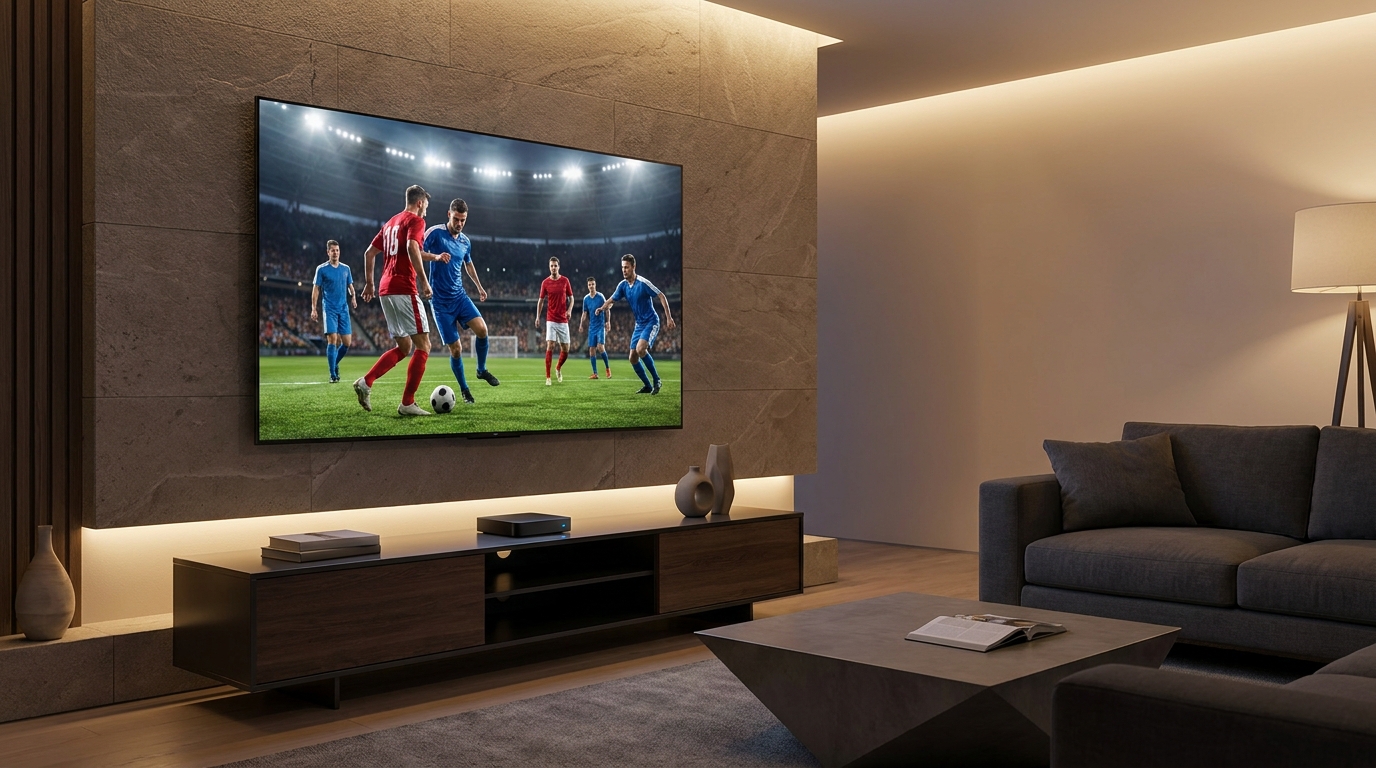
A capable device can process high-bitrate streams without breaking a sweat. If you want to enjoy the crystal-clear 4K and Full HD channels offered by Talktomytv, you need a device that supports these resolutions natively. Older or underpowered hardware may struggle, resulting in downscaled video or constant buffering, even with a fast internet connection.
Performance and Speed
The processor (CPU) and memory (RAM) in an IPTV device dictate how quickly you can navigate menus, switch channels, and load content. A slow device leads to a clunky, unresponsive interface. The best device for IPTV will offer a snappy, fluid experience, making it a pleasure to browse the vast libraries of content available on Talktomytv.
App Compatibility and Ecosystem
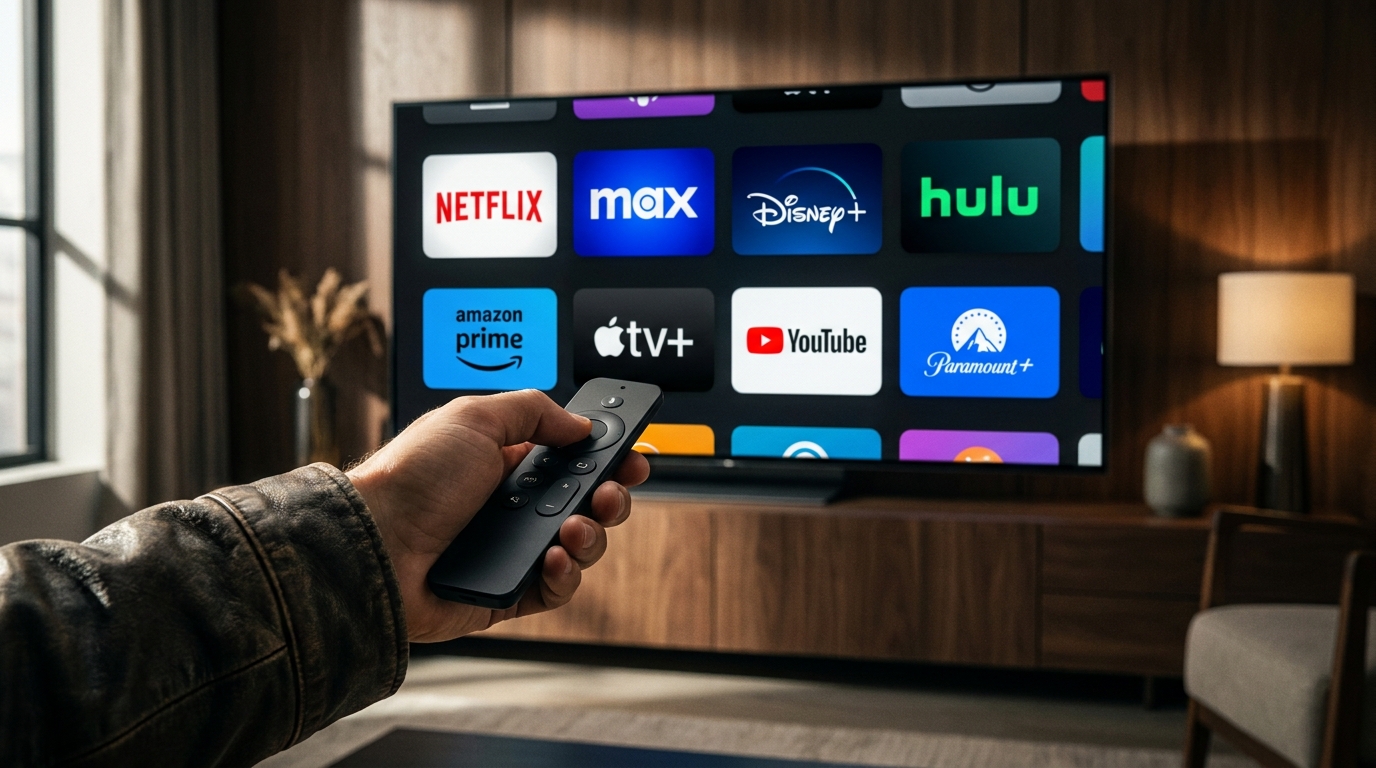
IPTV services are delivered through applications, often called IPTV players. Your chosen device must support the installation of these apps. Devices running on operating systems like Android TV, FireOS, or tvOS offer wide compatibility with the best players on the market. This flexibility is key to a hassle-free setup, which we make simple with our detailed page..
🎬 Ready to Stream with Talktomytv?
Premium IPTV with 24,000+ channels, 100,000+ movies, 4K quality. Instant activation.
What to Look for in the Best Device for IPTV
When shopping for IPTV hardware, it’s easy to get lost in technical specifications. To simplify your choice, focus on these five critical factors. A device that excels in these areas will provide an exceptional experience with Talktomytv.
1. Processing Power & RAM
Think of the processor as the device’s brain. A quad-core or octa-core CPU is ideal for handling high-quality streams and a modern user interface. For RAM, look for at least 2GB. While 1GB might work for basic HD streaming, 2GB or more is essential for smooth 4K playback and fast app performance. This ensures you can navigate our extensive channel list and on-demand library without any lag.
2. Operating System & App Support
The operating system (OS) is the soul of your device. The most versatile and popular options are:
- Android TV / Google TV: Offers access to the Google Play Store, which contains thousands of apps, including the best IPTV players. Highly customizable and powerful.
- FireOS (Amazon): A modified version of Android, it’s user-friendly and has a massive app store. Amazon Fire TV Sticks are incredibly popular for their balance of price and performance.
- tvOS (Apple): Known for its polished interface and smooth performance, Apple TV is a premium choice with excellent app support.
3. Video and Audio Codec Support
Modern streaming relies on efficient video codecs like H.265 (HEVC) and AV1 to deliver high-quality video without consuming excessive bandwidth. Ensure your device supports these, especially H.265 for 4K content. For audio, support for Dolby Digital and Dolby Atmos will provide an immersive, cinematic sound experience for compatible content in the Talktomytv library.
4. Connectivity Options
A stable connection is non-negotiable for buffer-free streaming. Your device should have:
- Ethernet Port: A wired connection is always more stable and faster than Wi-Fi. For the absolute best performance, especially with 4K streams, connecting your device directly to your router is highly recommended.
- Dual-Band Wi-Fi (AC or Wi-Fi 6): If a wired connection isn’t possible, ensure the device supports modern Wi-Fi standards (802.11ac or ax). The 5GHz band is less congested and generally provides faster speeds than the 2.4GHz band.
5. Price and Value
You don’t need to spend a fortune to get a fantastic IPTV experience. The market offers excellent options at every price point. The key is to find the balance between performance and cost that suits your needs. The best device for IPTV for you is one that meets the technical requirements without breaking the bank.
Top Contenders: A Breakdown of IPTV Device Types
There are several categories of devices that work wonderfully with services like Talktomytv. Each has its own set of strengths and is suited for different types of users. Let’s explore the most popular choices.
🎁 Try Before You Buy — 24-Hour Free Trial
Test the full service with all 24,000+ channels. No commitment required.
Amazon Fire TV Devices (Firestick, Fire Cube)
Amazon’s Fire TV Stick lineup, particularly the Fire TV Stick 4K Max, is arguably the most popular choice for IPTV. They are affordable, easy to set up, and powerful enough for smooth 4K streaming. Their FireOS allows for easy installation of top-tier IPTV players. The Fire TV Cube offers a more premium experience with faster processing and hands-free Alexa voice control.
Android TV Boxes
This is a broad category that includes devices from various manufacturers. The standout is the NVIDIA Shield TV Pro, widely considered the most powerful consumer streaming device on the market. It’s a premium option for enthusiasts who want uncompromising performance, AI-enhanced upscaling, and gaming capabilities. However, many more affordable Android boxes also offer excellent 4K performance and access to the Google Play Store, making them a very flexible best device for IPTV contender.
Smart TVs (with Android TV, Google TV, Tizen, or WebOS)
Many modern Smart TVs from brands like Sony, TCL (with Google TV), Samsung (Tizen), and LG (WebOS) have built-in app stores that allow you to install IPTV players directly. This offers a convenient, all-in-one solution without extra hardware. The main drawback is that TV manufacturers can be slower to update software, and the built-in processors may not be as powerful as a high-end dedicated streaming device.
Dedicated IPTV Boxes (MAG/Formuler)
Devices like MAG boxes or Formuler boxes are designed specifically for IPTV. They often use a middleware portal system (like Stalker) and are known for their stability and channel-surfing speed. While they are highly optimized for live TV, they can be less flexible than Android-based devices when it comes to installing other streaming apps like Netflix or Prime Video—services that are included with your Talktomytv subscription!
Comparison of Popular IPTV Device Types
To help you decide, here’s a table comparing the most common types of devices that work seamlessly with Talktomytv.
| Device Type | Pros | Cons | Best For |
|---|---|---|---|
| Amazon Firestick 4K Max | Affordable, great performance, easy to use, huge app library. | Amazon-centric interface, limited storage. | Most users looking for the best balance of price and performance. |
| Android TV Box (High-End) | Extremely powerful, highly customizable, excellent connectivity. | More expensive, can be complex for beginners. | Power users and enthusiasts who want the absolute best quality. |
| Smart TV (Built-in OS) | Convenient (no extra device), single remote. | Performance can be weaker, app stores may be limited. | Users who prioritize simplicity and have a recent, high-end TV. |
| Dedicated IPTV Box | Optimized for IPTV, very stable, fast channel changing. | Less versatile for other streaming apps, can be less user-friendly. | Users who only want to watch live TV and prioritize stability. |
How to Set Up Talktomytv on Your Chosen Device
Once you’ve selected your hardware, getting started with Talktomytv is incredibly straightforward. Our service is designed for easy installation on any of the devices mentioned above. The general process is simple:
- Choose Your Plan: Select one of our flexible plans, like the popular 12 Months package for the best value.
- Receive Your Credentials: After subscribing, you’ll receive an email with your IPTV service details (usually an M3U link or Xtream Codes API credentials).
- Install an IPTV Player: Go to your device’s app store and download a recommended IPTV player. There are many excellent free and paid options available.
- Enter Your Details: Open the player app and enter the credentials you received from us.
- Start Watching: Within moments, your channels, movies, and series will load, and you can start enjoying the ultimate entertainment experience.
For detailed, step-by-step instructions for specific devices, be sure to visit our comprehensive section. Our support teamm is also available to help you with any questions.
Conclusion: Pairing the Best Device with the Best Service
In your search for the best device for IPTV, remember that the hardware is only half the equation. The ultimate streaming setup combines a powerful, reliable device with a premium, feature-rich IPTV service. By choosing a capable device like a Fire TV Stick 4K Max or a quality Android TV box, you ensure that you can take full advantage of everything Talktomytv has to offer: flawless 4K streams, a massive library of on-demand content, live sports, and channels from over 50 countries. Don’t let subpar hardware ruin your entertainment. Invest in a quality device and pair it with the best. Ready to elevate your viewing experience? Start your free trial or choose your Talktomytv plan today!
References
Choose Your Talktomytv Plan
All plans include instant activation, 24/7 support, and a money-back guarantee.
Frequently Asked Questions
What is the absolute best device for IPTV streaming in 2024?
While the ‘best’ can be subjective, the Amazon Fire TV Stick 4K Max offers the best combination of performance, affordability, and ease of use for most people. For enthusiasts seeking maximum power, the NVIDIA Shield TV Pro is unmatched. Both work perfectly with Talktomytv.
Do I need a VPN for my IPTV device?
Using a VPN is highly recommended. It protects your privacy from your Internet Service Provider (ISP) and can help bypass any potential geo-restrictions or ISP throttling, ensuring a smoother streaming experience. You can install a VPN app on most modern IPTV devices.
Can I use one Talktomytv subscription on multiple devices?
Our standard subscription plans are for a single connection at a time. However, you can install the service on multiple devices and use them one at a time. If you need to watch on multiple screens simultaneously, please contact our support for multi-room subscription options.
How do I find the best device for IPTV if I'm on a budget?
The Amazon Fire TV Stick Lite or a standard Fire TV Stick are excellent budget-friendly options. They provide solid HD streaming performance and support all the necessary apps to enjoy Talktomytv without a significant investment.
Are Smart TVs good enough for IPTV services like Talktomytv?
Yes, many modern Smart TVs are perfectly capable of running IPTV services. If you have a recent model from a major brand like Sony, Samsung, or LG, you can likely download an IPTV player from its app store and enjoy Talktomytv without any extra hardware. For older or less powerful TVs, a dedicated streaming stick is recommended.
What internet speed do I need for the best IPTV device performance?
For a smooth experience, we recommend a stable internet connection of at least 25 Mbps for HD streaming and 50 Mbps or higher for 4K content. A stable, low-latency connection is more important than raw speed, which is why a wired Ethernet connection is often preferred.
{“@context”:”https://schema.org”,”@type”:”FAQPage”,”mainEntity”:[{“@type”:”Question”,”name”:”What is the absolute best device for IPTV streaming in 2024?”,”acceptedAnswer”:{“@type”:”Answer”,”text”:”While the ‘best’ can be subjective, the Amazon Fire TV Stick 4K Max offers the best combination of performance, affordability, and ease of use for most people. For enthusiasts seeking maximum power, the NVIDIA Shield TV Pro is unmatched. Both work perfectly with Talktomytv.”}},{“@type”:”Question”,”name”:”Do I need a VPN for my IPTV device?”,”acceptedAnswer”:{“@type”:”Answer”,”text”:”Using a VPN is highly recommended. It protects your privacy from your Internet Service Provider (ISP) and can help bypass any potential geo-restrictions or ISP throttling, ensuring a smoother streaming experience. You can install a VPN app on most modern IPTV devices.”}},{“@type”:”Question”,”name”:”Can I use one Talktomytv subscription on multiple devices?”,”acceptedAnswer”:{“@type”:”Answer”,”text”:”Our standard subscription plans are for a single connection at a time. However, you can install the service on multiple devices and use them one at a time. If you need to watch on multiple screens simultaneously, please contact our support for multi-room subscription options.”}},{“@type”:”Question”,”name”:”How do I find the best device for IPTV if I’m on a budget?”,”acceptedAnswer”:{“@type”:”Answer”,”text”:”The Amazon Fire TV Stick Lite or a standard Fire TV Stick are excellent budget-friendly options. They provide solid HD streaming performance and support all the necessary apps to enjoy Talktomytv without a significant investment.”}},{“@type”:”Question”,”name”:”Are Smart TVs good enough for IPTV services like Talktomytv?”,”acceptedAnswer”:{“@type”:”Answer”,”text”:”Yes, many modern Smart TVs are perfectly capable of running IPTV services. If you have a recent model from a major brand like Sony, Samsung, or LG, you can likely download an IPTV player from its app store and enjoy Talktomytv without any extra hardware. For older or less powerful TVs, a dedicated streaming stick is recommended.”}},{“@type”:”Question”,”name”:”What internet speed do I need for the best IPTV device performance?”,”acceptedAnswer”:{“@type”:”Answer”,”text”:”For a smooth experience, we recommend a stable internet connection of at least 25 Mbps for HD streaming and 50 Mbps or higher for 4K content. A stable, low-latency connection is more important than raw speed, which is why a wired Ethernet connection is often preferred.”}}]}