The Ultimate IPTV Player Guide for UK Viewers (2024)
An IPTV player is your gateway to a universe of digital entertainment, but choosing the right one and pairing it with a high-quality service is crucial for a premium viewing experience. In this comprehensive guide, we’ll explore everything you need to know about IPTV players, from how they work to setting them up on any device. We’ll also show you how pairing a powerful player with a robust subscription like Talktomytv can completely transform how you watch television, giving you access to thousands of live channels, sports, and movies in stunning 4K quality.
🎬 Ready to Stream with Talktomytv?
Premium IPTV with 24,000+ channels, 100,000+ movies, 4K quality. Instant activation.
What is an IPTV Player and How Does It Work?
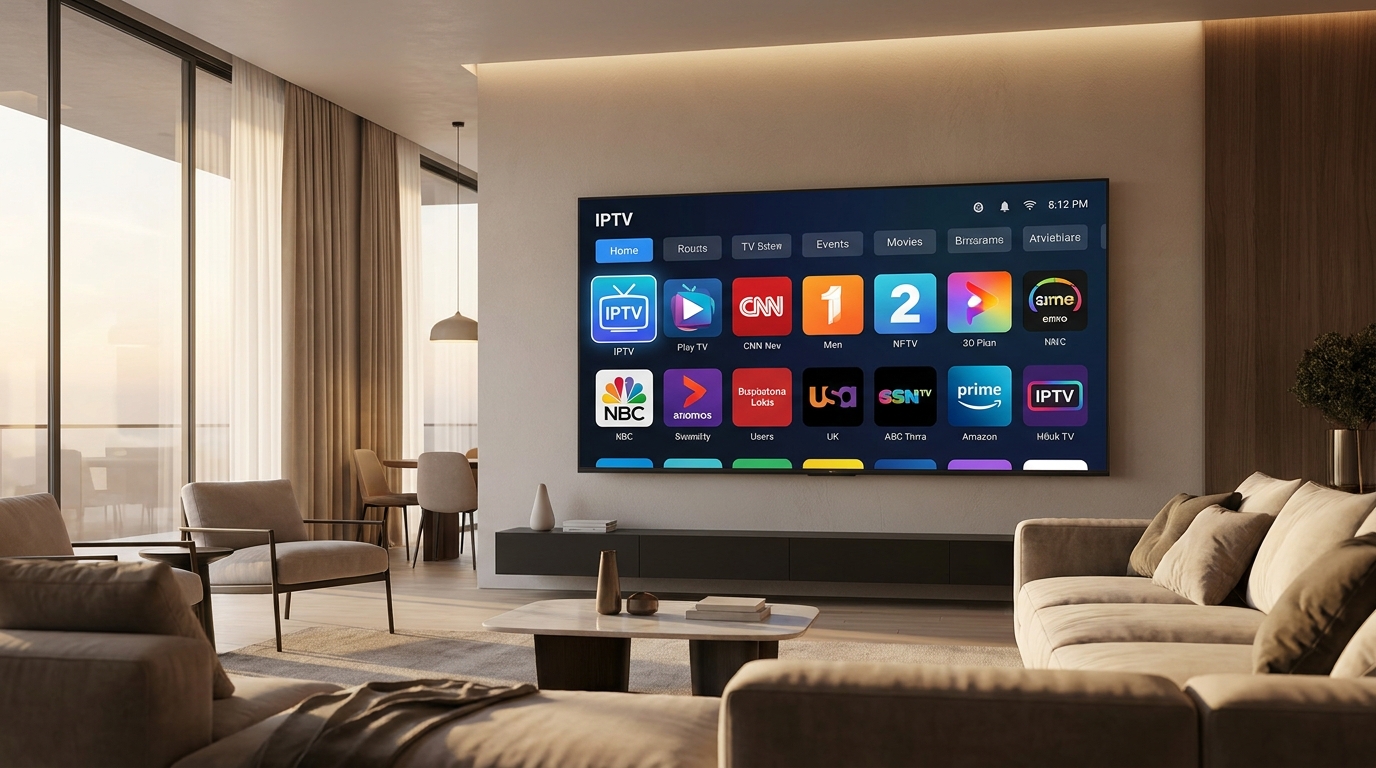
Before diving into the specifics, it’s essential to understand the technology. IPTV, or Internet Protocol Television, delivers television content over the internet instead of through traditional satellite or cable formats. An IPTV player is the application or software that allows you to access and stream this content on your device.
The Core Technology: IPTV Explained
Unlike traditional broadcasting which sends out signals in a one-way format, IPTV is a two-way, interactive system. When you select a channel, a specific request is sent to the provider’s server, which then streams that content directly to you. This point-to-point connection is more efficient and allows for higher quality streams and features like video on demand (VOD) and catch-up TV. Think of it less like a radio broadcast and more like streaming a video on Netflix or YouTube, but for live television channels from around the world.
The Role of the IPTV Player App
It’s a common misconception that an IPTV player *is* the service. In reality, the player is just a tool. It’s an empty vessel that needs to be filled with content from an IPTV provider. The player itself does not contain any channels, movies, or shows. Its job is to interpret the playlist and stream data provided by a service like Talktomytv. Key functions of an IPTV player include:
- Decoding Video Streams: It processes the digital video data sent from the server and displays it on your screen.
- User Interface (UI): It provides a menu system for you to browse channels, search for content, and access features.
- EPG (Electronic Program Guide): It displays a TV guide, showing you what’s currently on and what’s coming up next.
- Playlist Management: It uses login details, an M3U file, or an API to connect to your IPTV service subscription.
Essentially, the player is the software, but the subscription from a provider like Talktomytv is the fuel that powers your entire entertainment experience.
Understanding M3U Playlists, Xtream Codes, and EPGs
When you subscribe to an IPTV service, you’ll typically receive credentials in one of a few formats. The most common are M3U URLs and Xtream Codes API. An M3U URL is a simple link to a text file that contains a list of all the channels and VOD content in your subscription. An Xtream Codes API login is often preferred as it’s more robust and includes your username, password, and a server URL, making setup easier and often enabling more features. The EPG (Electronic Program Guide) is a separate link or integrated feature that provides the TV schedule data, populating the player’s guide with program information.
Choosing the Best IPTV Player for Your Device
The best IPTV player often depends on the device you’re using. Compatibility, performance, and user experience can vary significantly across platforms. Here’s a breakdown for the most popular devices used in the UK.
For Amazon Firestick & Android TV
Firestick and Android TV boxes are arguably the most popular devices for IPTV due to their flexibility. You can easily install applications from the official app store or ‘sideload’ them using a downloader app. Look for players that are specifically designed for a remote-control experience, with large icons and simple navigation. Players with integrated support for Xtream Codes API are highly recommended for a seamless login process with your Talktomytv subscription.
For iOS (iPhone & iPad) and Apple TV
The Apple ecosystem is more restricted, but there are still excellent IPTV player options available on the App Store. These apps are typically well-designed, polished, and offer a smooth user experience. When choosing a player for your iPhone, iPad, or Apple TV, check for features like AirPlay support, which allows you to cast streams to other Apple devices, and a clean, intuitive EPG view that works well on both touchscreens and with the Siri Remote.
For Windows & macOS Computers
For those who prefer watching on a desktop or laptop, there are several powerful IPTV player applications available. These often provide the most advanced features, such as the ability to record live streams, manage multiple playlists, and customize the interface extensively. A popular free option for Windows is VLC Media Player, which can play M3U playlists, though it lacks a dedicated TV-like interface. Dedicated IPTV applications offer a much better experience with full EPG and VOD library integration.
For Smart TVs (Samsung & LG)
Modern Smart TVs from brands like Samsung (Tizen OS) and LG (webOS) have their own app stores. You can find several IPTV player apps directly on these stores. The setup process is straightforward: simply search for an IPTV player, install it, and then enter the subscription details provided by Talktomytv. For older or unsupported models, you may need to use an external device like a Firestick for the best performance and app availability.
Key Features of a High-Quality IPTV Player
Not all players are created equal. When selecting an application, look for these essential features to ensure you get the most out of your Talktomytv subscription. A great player enhances the premium content you’re paying for.
🎁 Try Before You Buy — 24-Hour Free Trial
Test the full service with all 24,000+ channels. No commitment required.
User-Friendly Interface and EPG
The interface should be clean, fast, and easy to navigate with your remote or device. A well-designed Electronic Program Guide (EPG) is critical. It should load quickly, display a clear schedule for all channels, and allow you to see program descriptions and upcoming shows at a glance. Without a good EPG, browsing thousands of channels becomes a chore.
VOD and Series Library Support
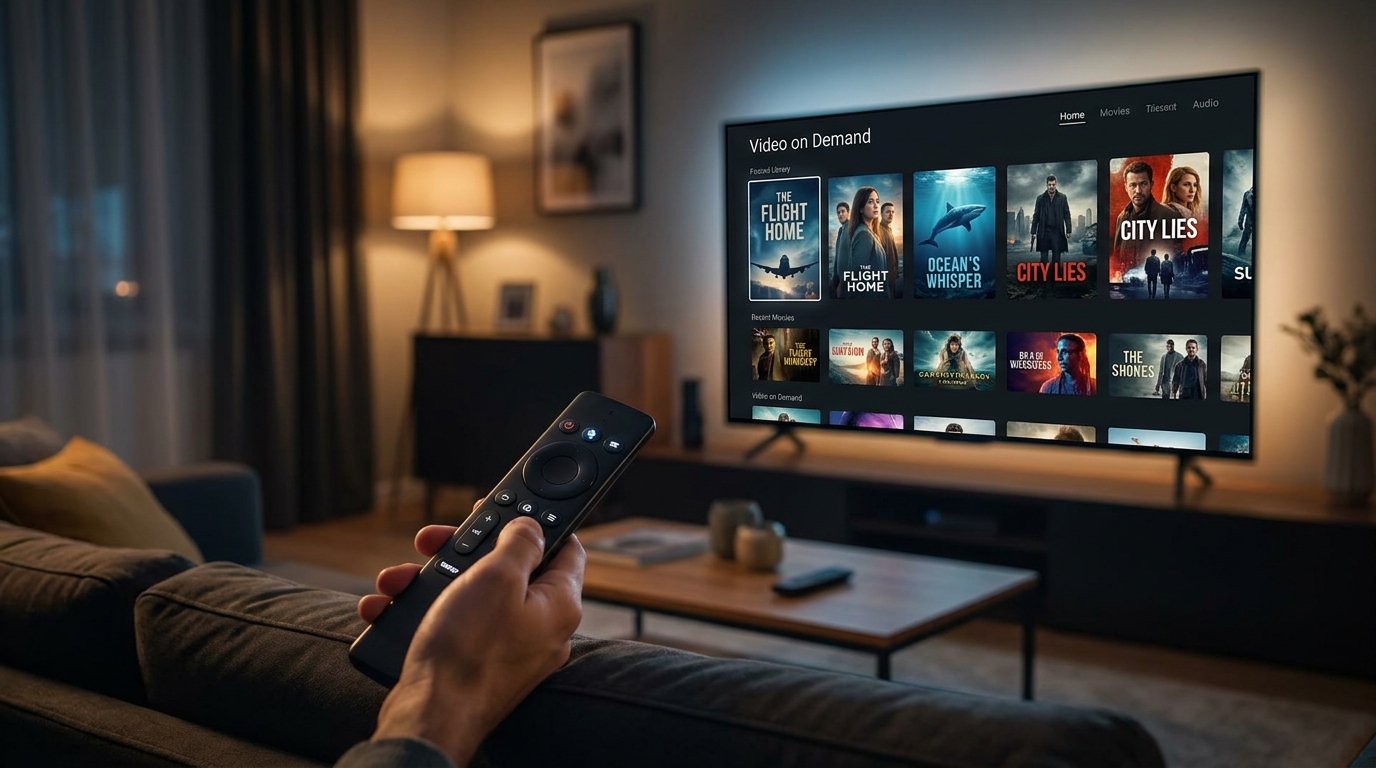
Your IPTV service isn’t just for live TV. A great provider like Talktomytv includes a massive library of Video on Demand (VOD) movies and TV series, including full catalogues from Netflix, Prime Video, and Disney+. Your chosen IPTV player should have a dedicated, well-organized section for VOD and series, with artwork, synopses, and season/episode navigation to make it feel like a true streaming service.
Catch-Up and Recording Features
Missed your favourite show? Catch-up TV is a must-have feature. It allows you to watch programs from the last several days on demand, directly from the EPG. Some advanced players also offer recording capabilities, either locally to your device’s storage or through cloud PVR (Personal Video Recorder) functionality, so you never miss a moment.
Multi-Platform and Multi-Screen Support
The ability to use your subscription on multiple devices is a huge advantage. Look for players that are available across different platforms (Android, iOS, Windows, etc.). Some premium players even offer multi-screen features, allowing you to watch up to four different channels on the same screen at once – perfect for tracking multiple sporting events on match day!
How to Set Up Your IPTV Player with Talktomytv
Getting started with a premium IPTV experience is incredibly simple. Once you have a compatible player installed on your device, the setup process takes just a few minutes. Here’s a step-by-step guide:
- Choose Your Plan: First, select the Talktomytv subscription that best suits your needs. We offer flexible plans from 1 month to 12 months for the best value. Check out our page for more details..
- Receive Your Credentials: After signing up, you will receive an email containing your IPTV service credentials. This will typically be an M3U URL or, more commonly, your Xtream Codes API login details (username, password, and server URL).
- Download a Compatible Player: Go to the app store on your Firestick, Android box, Smart TV, or mobile device and download a reputable IPTV player.
- Enter Your Details: Open the player and find the option to ‘Add Playlist’ or ‘Login with Xtream Codes API’. Carefully enter the credentials you received from Talktomytv.
- Start Streaming: The player will now load all the channels, VOD content, and the EPG from your Talktomytv subscription. You’re ready to explore a world of entertainment!
For detailed, device-specific instructions, please visit our comprehensive section..
Why Talktomytv Is The Ultimate All-in-One IPTV Solution
While a good IPTV player is essential, the quality of the service providing the content is what truly defines your experience. Free or unreliable playlists lead to constant buffering, missing channels, and security risks. Talktomytv provides a stable, secure, and feature-rich service that makes any IPTV player shine.
Comparing Talktomytv with Generic Alternatives
The difference between a premium, managed service and a cheap or free alternative is night and day. Here’s how Talktomytv stands out:
| Feature | Talktomytv Subscription | Free/Generic IPTV Playlists |
|---|---|---|
| Channel Stability & Quality | Guaranteed 99.9% uptime with stable 4K & FHD streams for all premium channels. | Unreliable servers, constant buffering, and channels that frequently go offline. |
| Content Library | Over 20,000 live channels, plus full Netflix, Prime Video & Disney+ VOD catalogues. | Limited, outdated content with many broken links and missing episodes. |
| Live Sports Coverage | Every major league included: Premier League, F1, UFC, NFL, NBA, Champions League. | Sports streams are often blocked, low-resolution, or have significant delays. |
| Customer Support | 24/7 dedicated customer support via live chat and email to assist with any issues. | Non-existent support. You’re on your own if something goes wrong. |
| Security & Privacy | Secure, private connection. We respect your privacy and data. | Potential security risks, malware, and logging of your viewing activity. |
More Than Just Channels
With Talktomytv, you get a complete entertainment package that elevates your viewing beyond a simple channel list. Our service includes:
- Unrivalled Sports Access: Never miss a goal, punch, or checkered flag with comprehensive access to Sky Sports, BeIN, ESPN, and more.
- Premium Movie & TV Channels: Enjoy HBO, Showtime, and other premium networks from over 50 countries.
- All-in-One VOD: Why pay for multiple streaming services? Our library includes the latest movies and shows, updated weekly.
- 24/7 PPV Events: Watch every major Pay-Per-View event in boxing, UFC, and wrestling at no extra cost.
- Catch-Up TV: Rewind and watch content from the last 7 days so you’re always in control of your schedule.
The right IPTV player is a fantastic tool, but it’s the engine inside that counts. By combining a user-friendly player with the power, stability, and vast content library of Talktomytv, you create the ultimate home entertainment setup. Stop juggling unreliable streams and multiple subscriptions. It’s time to experience television without limits. Ready to see the difference? You can even try our service with a Free trial
References
Choose Your Talktomytv Plan
All plans include instant activation, 24/7 support, and a money-back guarantee.
Frequently Asked Questions
What is the best IPTV player for Firestick?
There are many excellent IPTV players for the Amazon Firestick. The ‘best’ one often comes down to personal preference for the interface and features. The most important factor is pairing your chosen player with a reliable, high-quality IPTV service like Talktomytv, which provides stable 4K streams and a massive content library compatible with all major players.
Is using an IPTV player legal in the UK?
Yes, using an IPTV player application is completely legal in the UK. The software itself is just a media player. Legality depends on the service you use with it. Subscribing to a verified and reputable provider like Talktomytv ensures you are accessing content through a secure and reliable service.
Do I need a VPN for my IPTV player?
While a VPN can provide an extra layer of privacy, it is not strictly necessary when using a trusted service like Talktomytv. However, some internet service providers (ISPs) may throttle streaming traffic, and a VPN can sometimes help bypass this to ensure consistent streaming quality.
Can I use one Talktomytv subscription on multiple devices?
Our standard plans are for a single connection, but you can use your login on multiple devices, just not at the same time. If you need to watch on multiple screens simultaneously, we offer affordable multi-connection add-ons during checkout.
How do I get channels on my IPTV player?
An IPTV player is an empty application; you get channels by subscribing to an IPTV service provider. When you sign up for a Talktomytv plan, we provide you with login credentials (like an M3U link or Xtream Codes) that you enter into the player to load our entire lineup of over 20,000 channels, movies, and series.