The Ultimate Guide to Finding the Best IPTV Device in the UK (2026)
Finding the best IPTV device is the first crucial step to unlocking a universe of entertainment that traditional cable and satellite simply can’t match. In a world of rising subscription costs and fragmented streaming services, IPTV (Internet Protocol Television) offers a unified, cost-effective solution. But to harness its full potential, you need the right hardware. This guide will walk you through everything you need to know about choosing the perfect device to pair with a premium service like Talktomytv, ensuring a flawless, high-definition streaming experience. We’ll explore the top contenders, from powerful Android boxes to convenient streaming sticks, so you can make an informed decision and elevate your home entertainment setup.
What Exactly is an IPTV Device and Why is it Essential?
Before diving into specific models and features, it’s important to understand what an IPTV device is and the role it plays in your streaming ecosystem. Simply put, it’s the bridge between your internet connection and your television, designed specifically to decode and play IPTV streams.
Defining IPTV: A New Era of Television
IPTV stands for Internet Protocol Television. Unlike traditional broadcast methods that use satellite signals or cable lines, IPTV delivers television content over the internet. This allows for incredible flexibility, a vast selection of channels from around the globe, and on-demand content libraries that dwarf standard services. A service like Talktomytv leverages this technologyy to bring you live sports, premium movie channels, international programming, and complete VOD catalogues directly to your screen.
The Core Function of an IPTV Box or Streamer
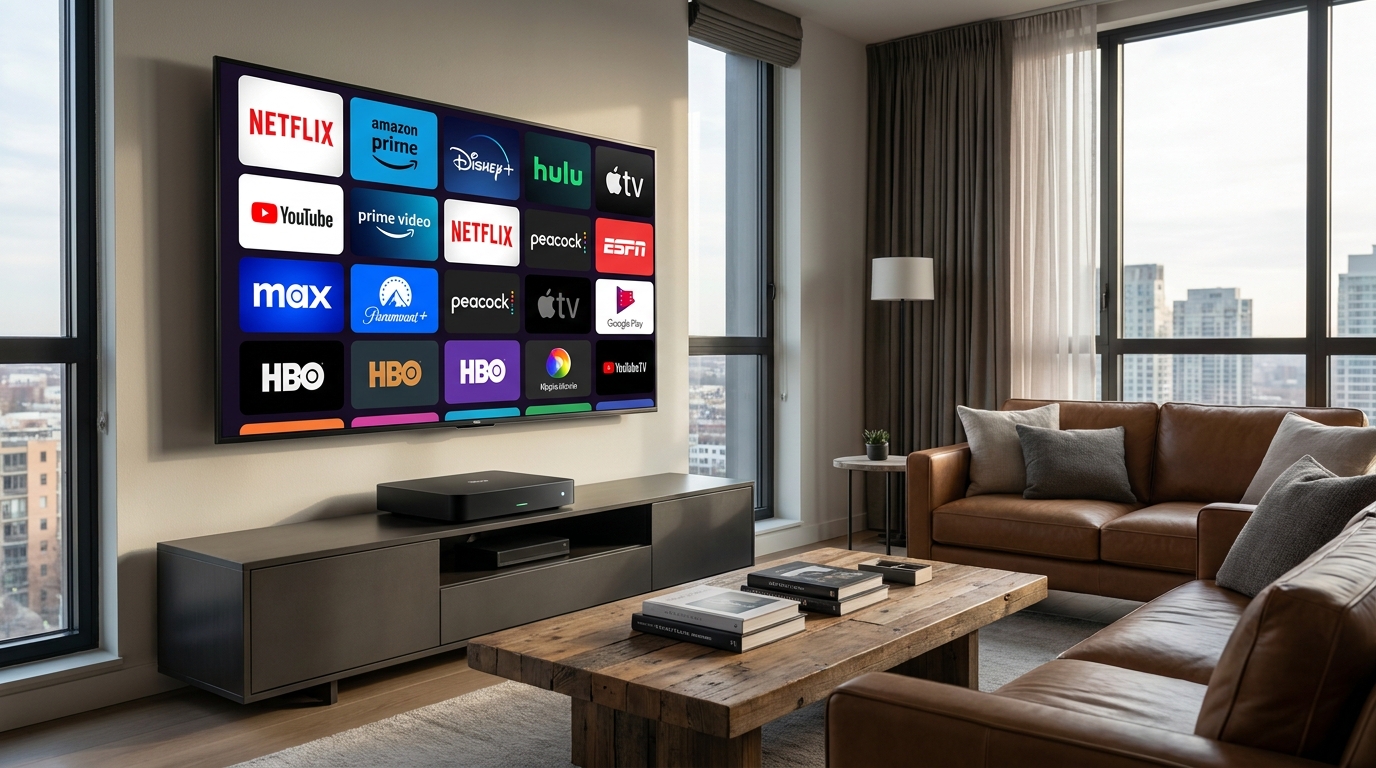
An IPTV device, often called an IPTV box, streamer, or set-top box, is a piece of hardware that connects to your TV (usually via HDMI) and your internet (via Wi-Fi or Ethernet). Its primary job is to run an application, or ‘player’, that connects to your IPTV service provider. It processes the incoming data stream and displays it as high-quality video on your TV. Think of it as a specialised computer optimised for one thing: streaming media flawlessly.
Benefits of a Dedicated IPTV Device Over Smart TV Apps
While many modern Smart TVs have app stores, a dedicated device often provides a superior experience for several reasons:
- Performance: Dedicated devices have processors, RAM, and graphics chips specifically designed for streaming, leading to faster loading times, smoother navigation, and less buffering, especially with 4K content.
- Flexibility: They typically run on more open operating systems like Android TV, giving you access to a wider range of apps, players, and customisation options.
- Updates: Hardware manufacturers for devices like the Formuler or NVIDIA Shield frequently push out software updates to improve performance and security, which can be slower or non-existent on some Smart TV models.
- Portability: You can easily unplug your small streaming box or stick and take it with you, turning any TV with an HDMI port into your personal entertainment hub.
Key Factors When Choosing the Best IPTV Device
Not all streaming devices are created equal. To find the best IPTV device for your needs, you must consider several technical specifications. The goal is to ensure your hardware can keep up with the high-quality streams provided by Talktomytv.
Processing Power and RAM: The Engine of Your Stream
The processor (CPU) and Random Access Memory (RAM) are the heart of your device. A powerful multi-core processor and at least 2GB of RAM (4GB is recommended for 4K) are essential for navigating menus quickly, loading streams instantly, and playing high-bitrate 4K content without stuttering. This is arguably the most important factor for a smooth viewing experience.
Operating System: Android TV, FireOS, and Others
The operating system (OS) dictates the user interface and the apps you can install.
- Android TV: This is the most popular and versatile OS for IPTV. It offers access to the Google Play Store, meaning you can download thousands of apps, including the best IPTV players, VPNs, and other utilities.
- FireOS: Amazon’s Fire TV Stick operating system is a modified version of Android. It’s very user-friendly but is more locked into the Amazon ecosystem. You can still ‘sideload’ apps not available in their Appstore, making it a viable option.
- Proprietary OS: Some devices, like MAG boxes, run on their own Linux-based operating systems. These are often very stable but lack the flexibility and app support of Android.
Connectivity: Don’t Let Your Network Be the Bottleneck
A fast and stable internet connection is vital. Look for a device with dual-band Wi-Fi (preferably Wi-Fi 6) for strong wireless performance. However, for the most reliable connection, an Ethernet port is a must-have. A wired connection eliminates wireless interference and provides the most consistent speed, which is critical for 4K streaming. Bluetooth is also a useful feature for connecting wireless keyboards, headphones, or game controllers.
Storage Capacity: Room for Your Apps
While IPTV itself doesn’t use much storage (it streams, it doesn’t download), the apps you install do. A minimum of 8GB of internal storage is recommended, but 16GB or more is better. This gives you plenty of space for your IPTV player, VOD apps, and other utilities without the device slowing down.
🎬 Ready to Stream with Talktomytv?
Premium IPTV with 24,000+ channels, 100,000+ movies, 4K quality. Instant activation.
The Top Categories of IPTV Streaming Devices
IPTV hardware generally falls into a few main categories. The best IPTV device for you will depend on your budget, technical comfort level, and performance expectations.
🎁 Try Before You Buy — 24-Hour Free Trial
Test the full service with all 24,000+ channels. No commitment required.
Android TV Boxes: The Power User’s Choice
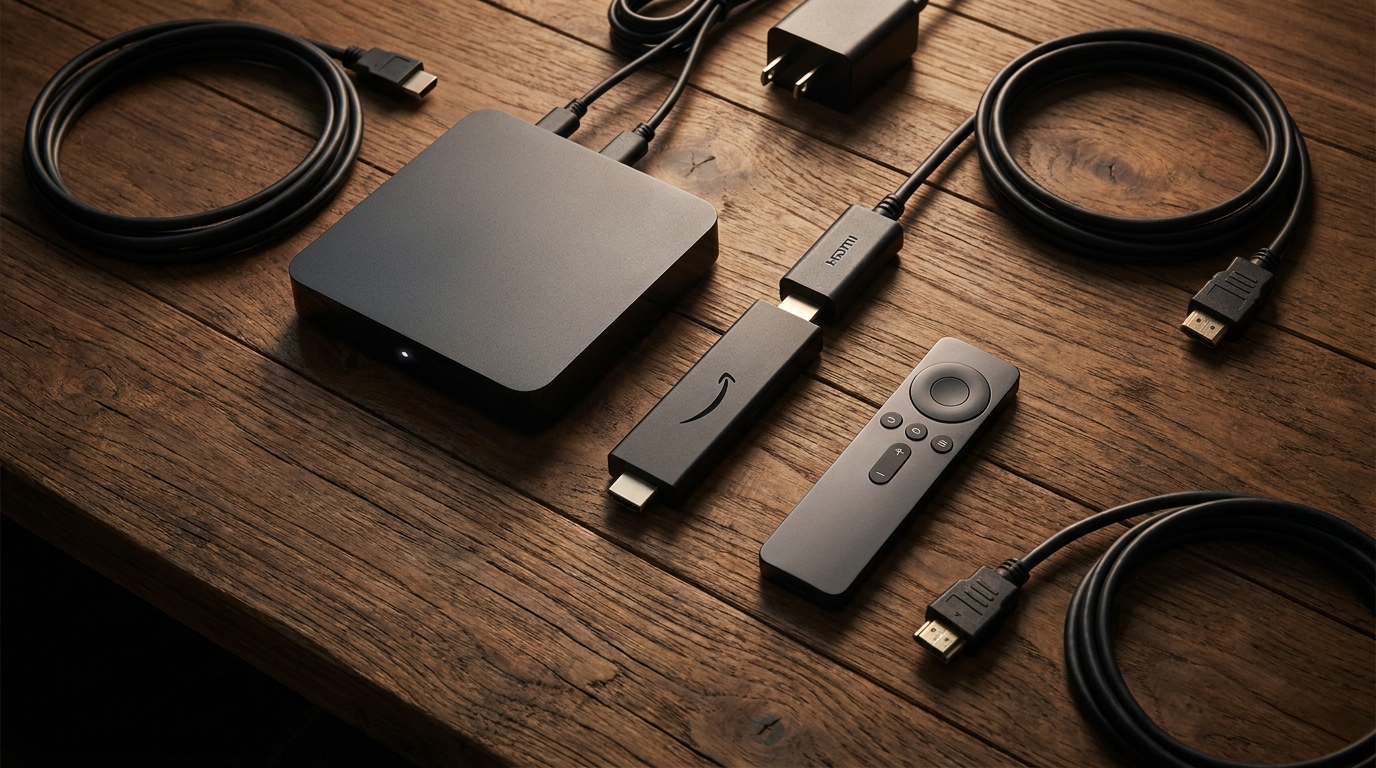
Android TV boxes are the top-tier option for serious IPTV users. They offer the best performance, most features, and greatest flexibility. Models from brands like Formuler, such as the popular Formuler Z12 Ultra, are specifically designed with IPTV in mind. They often come with powerful processors, ample RAM, excellent connectivity options, and advanced features like Picture-in-Picture and recording. They run on Android, providing access to a vast ecosystem of applications. When paired with a robust service like Talktomytv, an Android boxx delivers an unparalleled viewing experience.
Streaming Sticks: Compact, Affordable, and Convenient
Streaming sticks like the Amazon Fire TV Stick 4K Max or Chromecast with Google TV are incredibly popular due to their affordability and ease of use. You simply plug them into your TV’s HDMI port. While not always as powerful as a high-end Android box, the latest models are more than capable of handling 4K IPTV streams. They are a fantastic entry-point into the world of IPTV and work seamlessly with the Talktomytv service. For help with setup, you can always visit our page..
Smart TVs: The Integrated (But Limited) Solution
Most new TVs from Samsung (Tizen OS), LG (webOS), and Sony (Android TV) are ‘smart’. You can often install an IPTV player app directly onto the TV, eliminating the need for external hardware. This is a clean setup, but as mentioned earlier, you are often limited by the TV’s built-in processor, which may not be as powerful as a dedicated device. If you have a high-end TV with Android TV built-in, this can be a great option.
Unlocking the Ultimate Entertainment Experience with Talktomytv
It’s vital to remember that the hardware is only half of the equation. The best IPTV device in the world will provide a poor experience if connected to an unreliable, low-quality service. This is where Talktomytv comes in.
Why Your Device is Only as Good as Your IPTV Service
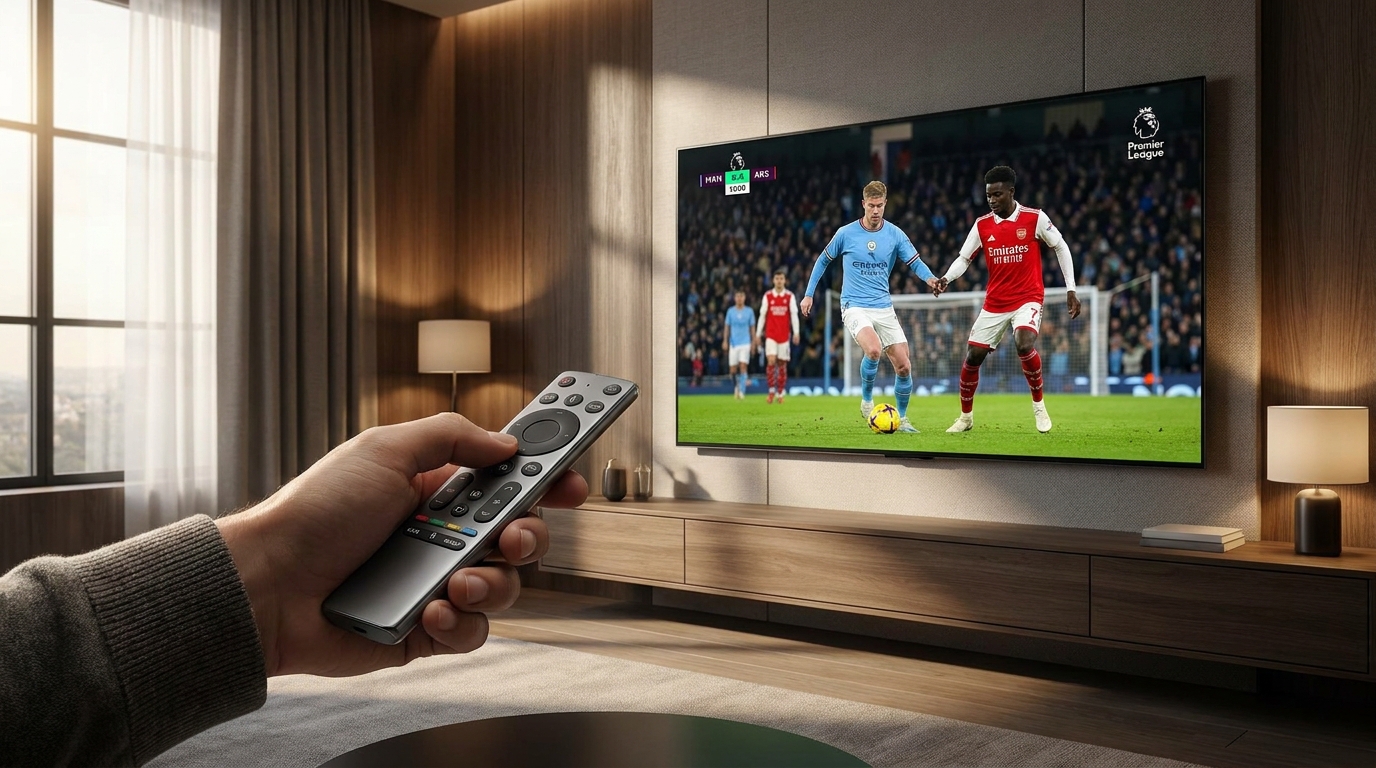
Your IPTV box is the vehicle, but the IPTV service is the fuel. A premium service provides stable, high-bitrate streams that don’t buffer, a comprehensive channel list, and reliable uptime. Talktomytv is built on a foundation of high-performance servers and a robust network infrastructure to ensure you get the quality you pay for, whether you’re watching the Premier League in 4K or catching up on your favourite series.
What Makes Talktomytv the Premier Choice in the UK?
Talktomytv is designed to be the only subscription you’ll ever need. We offer:
- Unrivalled Sports Coverage: From Premier League and Champions League to NFL, NBA, UFC, and F1, never miss a moment.
- Premium Channels: Access HBO, Sky Sports, BeIN, ESPN, and more.
- Complete VOD Libraries: Our service includes the full catalogues of Netflix, Prime Video, and Disney+.
- Catch-Up TV: Missed a show? Watch anything from the last 7 days on your schedule.
- Global Content: Enjoy TV from over 50 countries, including the UK, USA, Canada, and more.
- Stunning Quality: True 4K and FHD streams for a crystal-clear picture.
Seamless Compatibility Across All Major Devices
Our service isn’t locked to one specific piece of hardware. Talktomytv is compatible with virtually every popular IPTV device on the market, including all Android boxes, Amazon Fire TV sticks, NVIDIA Shield, Smart TVs, and more. This gives you the freedom to choose the hardware that best fits your budget and needs. Not sure if your device is compatible? Check our page or contact ourr support team.
Setting Up Your IPTV Device with Talktomytv: A Quick Guide
Getting started is incredibly simple. You can be up and running in minutes.
- Choose Your Hardware: Select the best IPTV device for you from the categories mentioned above.
- Pick Your Plan: Visit our pricing page and choose a Talktomytv plan that suits you. Our 12 Months plan offerss the best value.
- Install a Player App: On your device, download a compatible IPTV player from the app store. Popular choices include IPTV Smarters Pro or TiviMate.
- Enter Your Credentials: Once you subscribe, we’ll email you your login details. Simply enter them into the player app.
- Start Watching: That’s it! You now have access to thousands of channels, movies, and TV shows.
Comparison: Dedicated IPTV Device vs. Other Methods
How does a dedicated IPTV setup with Talktomytv stack up against other options? Here’s a clear breakdown:
| Feature | Dedicated IPTV Device with Talktomytv | Smart TV Apps (Native) | Standard Cable/Satellite |
|---|---|---|---|
| Content Library | Vast (Live TV, Global Channels, VOD, Catch-up) | Limited to individual app subscriptions | Limited to chosen package, expensive add-ons |
| Picture Quality | Up to 4K & FHD | Dependent on app and TV processor | Often compressed HD, 4K is a premium |
| Cost | Low monthly fee, one-time hardware cost | Multiple expensive subscriptions | Very high monthly cost, long contracts |
| Portability | Excellent (take your device anywhere) | None (tied to the TV) | None (tied to the home) |
| User Experience | Fast, customisable, all-in-one interface | Slower, requires switching between apps | Clunky interface, slow guide |
Conclusion: Your Perfect Entertainment Setup Awaits
In the end, the best IPTV device is one that offers a powerful processor, sufficient RAM, and the right operating system to handle high-quality streams without compromise. Whether you opt for a top-of-the-line Android box for maximum power or a convenient Fire TV stick for simplicity, the hardware is just one part of the puzzle. To truly unlock its potential, you need a reliable, feature-rich service that delivers the content you love. By pairing the right hardware with the premium streaming experience of Talktomytv, you create the ultimate home entertainment system. Ready to take the next step? Explore our plans and start your with Talktomytv today!!
References
Choose Your Talktomytv Plan
All plans include instant activation, 24/7 support, and a money-back guarantee.
Frequently Asked Questions
What is the absolute best IPTV device available in the UK?
The ‘best’ device depends on your needs. For power users who want the fastest performance and 4K streaming, a high-end Android box like a Formuler or NVIDIA Shield is often considered top-tier. For most users, an Amazon Fire TV Stick 4K Max offers an excellent balance of performance and price. Ultimately, any of these devices will work brilliantly with a quality service like Talktomytv.
Do I need a specific or special device to use Talktomytv?
No, you don’t. Talktomytv is designed for maximum compatibility and works flawlessly on a wide range of popular devices, including all Amazon Fire TV sticks, Android TV boxes, NVIDIA Shield, Smart TVs (with a compatible app), and more. You can choose the hardware that best fits your budget and technical preferences.
Is an Android box better than a Firestick for IPTV?
Generally, high-end Android boxes offer more processing power, more RAM, and better connectivity options (like Ethernet ports) than a Firestick. This can lead to a smoother experience, especially for 4K content. However, modern Firesticks are very capable and offer a fantastic, user-friendly experience for a lower price. Both are excellent choices for Talktomytv.
How much should I spend on the best IPTV device?
You can get a great IPTV device for anywhere between £50 and £150. An Amazon Fire TV Stick 4K Max is on the lower end of that range, while a premium Android box will be on the higher end. The investment in good hardware pays off in a smooth, buffer-free viewing experience.
Can I use my existing Smart TV for IPTV without a box?
Yes, in many cases you can. If your Smart TV runs on Android TV or has an app store where you can download an IPTV player app, you can use it directly. However, a dedicated external device often provides better performance and a more responsive user interface than the processors built into many TVs.
{“@context”:”https://schema.org”,”@type”:”FAQPage”,”mainEntity”:[{“@type”:”Question”,”name”:”What is the absolute best IPTV device available in the UK?”,”acceptedAnswer”:{“@type”:”Answer”,”text”:”The ‘best’ device depends on your needs. For power users who want the fastest performance and 4K streaming, a high-end Android box like a Formuler or NVIDIA Shield is often considered top-tier. For most users, an Amazon Fire TV Stick 4K Max offers an excellent balance of performance and price. Ultimately, any of these devices will work brilliantly with a quality service like Talktomytv.”}},{“@type”:”Question”,”name”:”Do I need a specific or special device to use Talktomytv?”,”acceptedAnswer”:{“@type”:”Answer”,”text”:”No, you don’t. Talktomytv is designed for maximum compatibility and works flawlessly on a wide range of popular devices, including all Amazon Fire TV sticks, Android TV boxes, NVIDIA Shield, Smart TVs (with a compatible app), and more. You can choose the hardware that best fits your budget and technical preferences.”}},{“@type”:”Question”,”name”:”Is an Android box better than a Firestick for IPTV?”,”acceptedAnswer”:{“@type”:”Answer”,”text”:”Generally, high-end Android boxes offer more processing power, more RAM, and better connectivity options (like Ethernet ports) than a Firestick. This can lead to a smoother experience, especially for 4K content. However, modern Firesticks are very capable and offer a fantastic, user-friendly experience for a lower price. Both are excellent choices for Talktomytv.”}},{“@type”:”Question”,”name”:”How much should I spend on the best IPTV device?”,”acceptedAnswer”:{“@type”:”Answer”,”text”:”You can get a great IPTV device for anywhere between £50 and £150. An Amazon Fire TV Stick 4K Max is on the lower end of that range, while a premium Android box will be on the higher end. The investment in good hardware pays off in a smooth, buffer-free viewing experience.”}},{“@type”:”Question”,”name”:”Can I use my existing Smart TV for IPTV without a box?”,”acceptedAnswer”:{“@type”:”Answer”,”text”:”Yes, in many cases you can. If your Smart TV runs on Android TV or has an app store where you can download an IPTV player app, you can use it directly. However, a dedicated external device often provides better performance and a more responsive user interface than the processors built into many TVs.”}}]}