Best IPTV Player for Firestick 2024: The Ultimate Guide
Finding the best IPTV player for Firestick 2024 is the crucial first step to unlocking a universe of entertainment. The Amazon Firestick is a powerhouse of a streaming device, but its true potential is only realised when paired with a high-quality IPTV player and a premium subscription service. This guide will walk you through everything you need to know, from understanding the technology to detailed reviews of the top players available today. While a great player is essential, the quality of your stream depends entirely on the provider. That’s where Talktomytv comes in, offering a stable, feature-rich service designed to work flawlessly with any top-tier player on your Firestick. Let’s dive in and transform your viewing experience.
🎬 Ready to Stream with Talktomytv?
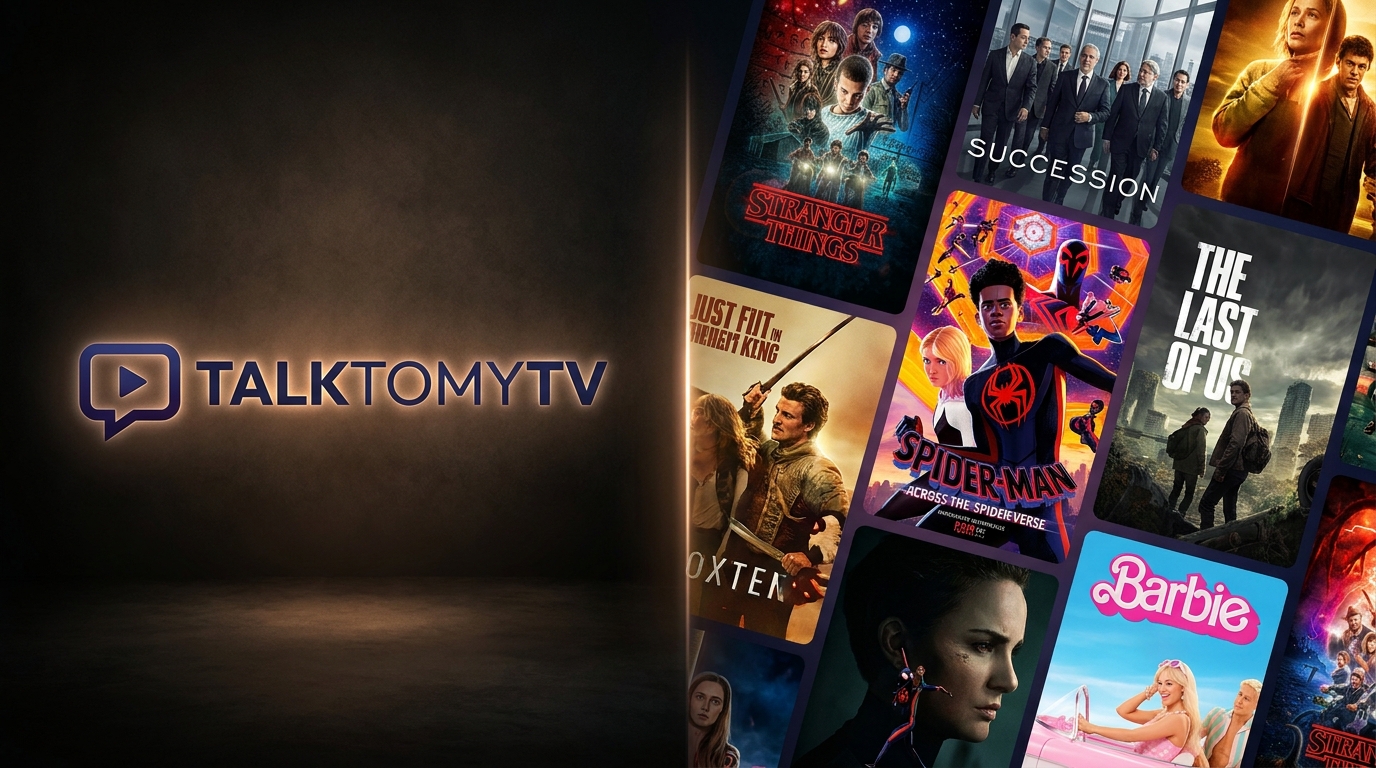
Premium IPTV with 24,000+ channels, 100,000+ movies, 4K quality. Instant activation.
What is an IPTV Player and Why Do You Need One for Your Firestick?
Before we crown the best player, it’s important to understand the components that make IPTV work. Many users think IPTV is just one thing, but it’s a combination of a service (the content) and a player (the software to watch it). Getting this right is key to a smooth, buffer-free experience.
Understanding IPTV Technology
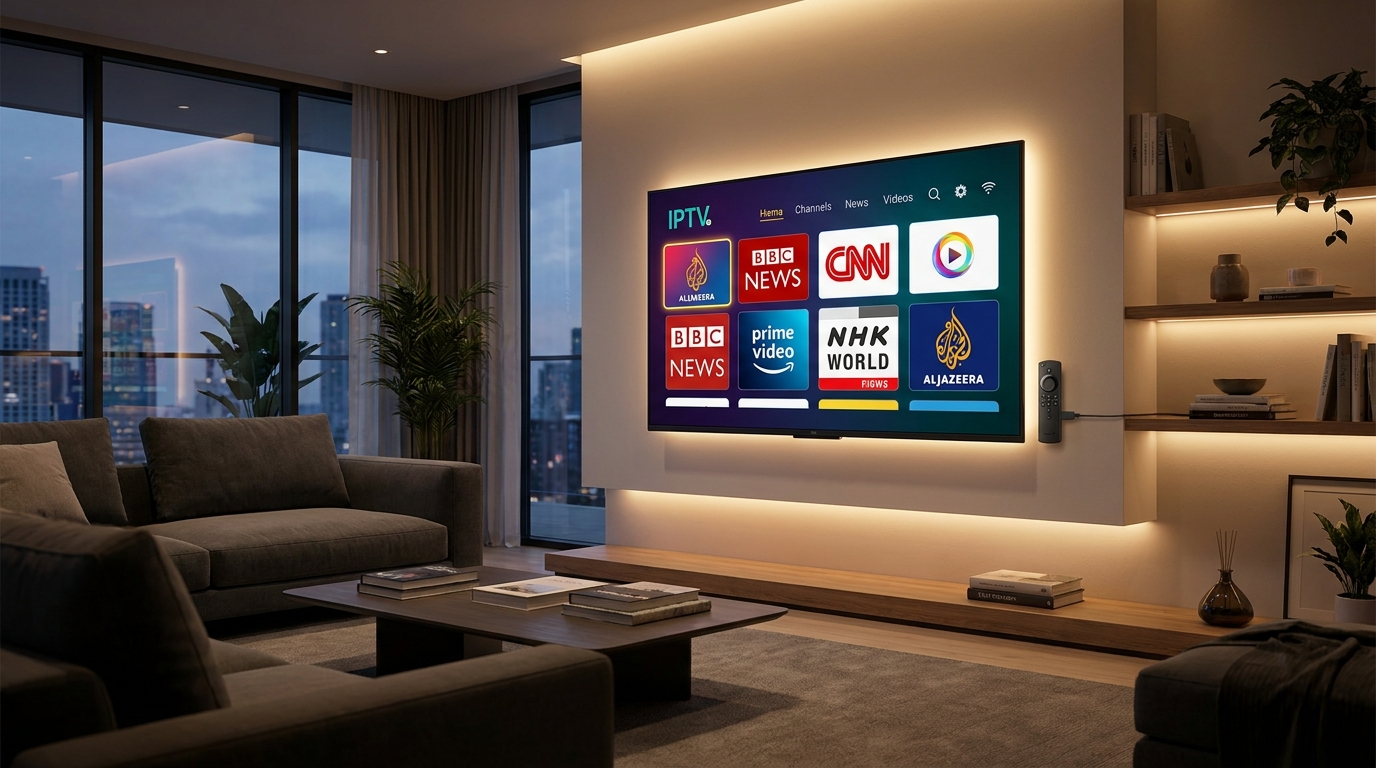
IPTV stands for Internet Protocol Television. In simple terms, it’s a method of delivering television content over the internet, rather than through traditional terrestrial, satellite, or cable formats. This technology allows for a much more flexible and extensive range of content, including live TV channels from around the world, video on demand (VOD) movies, and TV series. Your Firestick connects to the internet, and the IPTV player acts as the browser or application to access and organise the content provided by your IPTV service, like Talktomytv.
The Role of an IPTV Player
An IPTV player, by itself, contains no content. Think of it like a web browser; a browser doesn’t contain websites, it simply gives you the tools to access and view them. Similarly, an IPTV player is a piece of software that you install on your Firestick. You then input your subscription details from your provider (usually in the form of an M3U playlist URL or Xtream Codes API). The player then fetches the channel list, Electronic Program Guide (EPG) data, and VOD content from the provider’s servers and presents it in a user-friendly, television-like interface. The quality of this interface, its speed, and its features are what separate a basic player from the best IPTV player for Firestick 2024.
Why the Firestick is the Perfect Device for IPTV
The Amazon Firestick, particularly the 4K and 4K Max models, has become the go-to device for IPTV enthusiasts in the UK for several reasons:
- Affordability: It offers incredible performance for a fraction of the cost of other high-end streaming boxes.
- Ease of Use: The Fire OS interface is intuitive, and the Alexa voice remote makes searching for content simple.
- Portability: Its small size makes it easy to move between TVs or take with you when travelling.
- Sideloading Capability: Crucially, Firestick allows you to install applications from outside the official Amazon Appstore. This process, known as ‘sideloading’, is how you’ll install most of the powerful IPTV players we’ll discuss.
Key Features to Look for in the Best IPTV Player for Firestick 2024
Not all IPTV players are created equal. When you’re on the hunt for the perfect application to pair with your Talktomytv subscription, there are several critical features you should evaluate. A top-tier player will enhance your viewing experience, making it seamless and enjoyable, while a poor player can lead to frustration, lag, and missed moments from your favourite shows or sports.
User Interface (UI) and Ease of Use
The interface is the first thing you’ll interact with. The best players offer a clean, modern, and customisable UI that feels like a premium cable box. Look for logical navigation, easy access to channel categories, a clear VOD library layout, and responsive controls. It should be simple enough for anyone in the household to pick up and use without a steep learning curve.
M3U and EPG Support
This is non-negotiable. Your IPTV player must support M3U playlist URLs, which is the standard format for delivering channel lists. More importantly, it needs robust support for an Electronic Program Guide (EPG), also known as a TV guide. A good EPG integration will show you what’s currently playing and what’s coming up next for every channel, just like a traditional TV service. The best players allow you to use multiple EPG sources and map them to your channels correctly.
Codec and Format Compatibility
The streaming world is constantly evolving. A modern player needs to support a wide range of video and audio codecs to ensure you can play any stream your provider offers. Key codecs to look for are H.264 (the standard for HD) and H.265/HEVC (the standard for 4K/UHD content). Support for various audio formats like AAC and AC3 is also essential for a complete cinematic experience. With Talktomytv offering a vast range of FHD and 4K streams, a compatible player is a must.
Customisation and Settings
Power users love options. The ability to tweak settings can make a huge difference. Look for features like the ability to change the theme or colour scheme, adjust buffer size to improve stream stability, create custom channel groups, hide unwanted categories, and set up parental controls. The more you can tailor the player to your preferences, the better.
Catch-up and Recording Features
Missed the start of the match? A player with ‘Catch-up’ or ‘Timeshift’ support is a lifesaver. This feature, when supported by your IPTV provider like Talktomytv, allows you to watch programs that have aired in the last few days. Additionally, some advanced players offer the ability to record live TV directly to external storage connected to your Firestick, so you never miss an episode of your favourite show.
Top IPTV Players for Firestick Reviewed
Here we review some of the most popular and powerful IPTV players available for the Amazon Firestick. Remember, these are just the vehicles; the fuel is a high-quality subscription from Talktomytv. We’ll cover their features, pros, cons, and how to get them running.
🎁 Try Before You Buy — 24-Hour Free Trial
Test the full service with all 24,000+ channels. No commitment required.
TiviMate IPTV Player
Often considered the gold standard by IPTV enthusiasts, TiviMate offers a slick, professional interface that rivals the best satellite and cable boxes. It is designed from the ground up for big screens and remote controls, making it perfect for the Firestick.
- Key Features: Modern and highly customisable user interface, excellent EPG support, scheduled recordings, multi-view for watching several channels at once (great for sports), support for M3U and Xtream Codes logins, and extensive settings.
- Pros: Unmatched UI and EPG presentation. Highly stable and fast. Regular updates and active development. The premium version is a one-time purchase for up to 5 devices.
- Cons: The free version is very limited. The full feature set requires a premium subscription to the player itself (separate from your IPTV service).
- Setup with Talktomytv: After installing TiviMate, you’ll be prompted to add a playlist. Choose ‘Xtream Codes login’ and enter the server URL, username, and password provided in your Talktomytv welcome email for the quickest and most complete setup.
IPTV Smarters Pro
IPTV Smarters Pro is another giant in the IPTV world. It’s incredibly versatile and one of the most widely used players due to its straightforward setup and comprehensive feature set. It offers a great balance of functionality and ease of use.
- Key Features: Live TV, VOD, and Series are separated into clean sections. Supports M3U and Xtream Codes. Features a built-in speed test, multi-screen capability, parental controls, and EPG support.
- Pros: Free to use with all core features unlocked. Very easy to set up, making it beginner-friendly. Available on a wide range of platforms, not just Firestick.
- Cons: The interface can feel a bit dated compared to TiviMate. It sometimes includes ads, though they are generally non-intrusive.
- Setup with Talktomytv: The process is simple. Open the app, select ‘Login with Xtream Codes API’, and input the credentials provided by Talktomytv. The app will automatically load all channels, VOD, and EPG data.
Perfect Player
Perfect Player is a set-top box style IPTV player that has been around for a while. It’s known for its high degree of customisation and powerful performance, although it might require a bit more initial setup to get it looking just right.
- Key Features: Supports M3U playlists and EPG (XMLTV and JTV formats). Highly customisable interface with different themes and decoder settings. Can be controlled by remote, mouse, or keyboard.
- Pros: It’s completely free. Offers advanced settings for tweaking performance which can be useful for users with slower internet connections.
- Cons: The user interface is not as intuitive out-of-the-box and can take some time to configure. Adding an EPG is a manual process that can be tricky for new users.
- Setup with Talktomytv: In Perfect Player’s settings, go to ‘General’ -> ‘Playlist’ and enter your Talktomytv M3U URL. Then, go to ‘EPG’ and enter the EPG URL provided by us. It requires a bit more effort but works reliably once set up.
GSE Smart IPTV
GSE Smart IPTV is like the Swiss Army knife of IPTV players. It supports a massive range of playlist formats and streaming protocols, making it one of the most versatile players on the market. It’s packed with features, though its interface can feel a bit cluttered to some.
- Key Features: Supports Xtream Codes API, M3U playlists, and even local media files. Includes parental controls, theme support, dynamic language switching, and built-in support for subtitles.
- Pros: Unmatched format support. It’s a powerful tool that can handle almost any type of playlist or stream you throw at it. The free version is very capable.
- Cons: The user interface can be overwhelming for beginners due to the sheer number of options and menus. It’s not as visually polished as some competitors.
- Setup with Talktomytv: For the best experience, use the Xtream Codes API option. From the main menu, navigate to ‘Xtream Codes API’, press the ‘+’ icon to add a new list, and enter your Talktomytv details.
How to Install and Set Up Your IPTV Player on Firestick
Since the most powerful IPTV players aren’t available on the official Amazon Appstore, you’ll need to ‘sideload’ them. This process is safe, simple, and officially supported by the Firestick’s operating system. Here’s a step-by-step guide. For more detailed guides, check our page..
Step 1: Enabling ‘Apps from Unknown Sources’
Before you can install any third-party app, you need to tell your Firestick to allow it.
1. From the Firestick home screen, navigate to ‘Settings’ (the gear icon).
2. Select ‘My Fire TV’.
3. Choose ‘Developer Options’. (If you don’t see this, go to ‘About’, and click on your Fire TV Stick’s name about 7 times until you see a message saying ‘You are now a developer’).
4. Turn on ‘Apps from Unknown Sources’. You’ll see a warning message; click ‘Turn On’.
Step 2: Installing the Downloader App
The Downloader app is the key to sideloading. It’s a browser and file manager in one, and it’s available for free on the Amazon Appstore.
1. Go back to the Firestick home screen and select the ‘Find’ or ‘Search’ option.
2. Type ‘Downloader’ and select it from the search results.
3. Click the ‘Download’ or ‘Get’ button to install it.
Step 3: Sideloading Your Chosen IPTV Player APK
Now you’re ready to install your player. Each player has a unique download URL for its APK (Android Package) file. You can find these with a quick web search for your chosen player (e.g., ‘TiviMate APK download’).
1. Open the Downloader app.
2. In the URL box on the home screen, type the exact download URL for the player’s APK file and click ‘Go’.
3. The file will begin to download. Once it’s finished, an installation screen will automatically pop up.
4. Click ‘Install’.
5. Once installed, you can click ‘Done’. It’s good practice to delete the APK file after installation to save space.
Step 4: Configuring the Player with Your Talktomytv Subscription
The final step is to link the player to your Talktomytv account. After you subscribe, you will receive a welcome email with your login details. This will typically include your username, password, M3U URL, EPG URL, and server URL for Xtream Codes.
1. Open your newly installed IPTV player.
2. Find the option to ‘Add Playlist’, ‘Add User’, or ‘Login’.
3. We highly recommend using the ‘Login with Xtream Codes API’ or ‘Xtream Codes Login’ option if available. It’s the easiest and most reliable method.
4. Enter the details exactly as provided in your email.
5. The player will then download and organise all the channels and VOD content, and you’re ready to start watching!
Why Your IPTV Service Matters More Than the Player
You can have the most advanced, feature-rich, and best IPTV player for Firestick 2024, but if the service feeding it content is unreliable, your experience will be poor. Constant buffering, channels that disappear, and a lack of support are common problems with subpar providers. This is where a premium service like Talktomytv makes all the difference.
The Talktomytv Difference: Stability, Content, and Support
We’ve built our service around the three pillars of a great IPTV experience:
- Stability and Reliability: We use high-performance servers and redundant connections to ensure 99.9% uptime. This means no buffering during the final minutes of the Premier League match or the season finale of your favourite show.
- Unmatched Content Library: Get access to over 20,000 live channels from the UK, USA, and 50+ other countries. Plus, our VOD library includes the full catalogues of Netflix, Prime Video, and Disney+, updated weekly.
- Dedicated 24/7 Support: Have an issue? Our support team is available around the clock via live chat and a ticket system to help you with any setup or troubleshooting questions.
Feature Comparison: Talktomytv vs. Generic Services
Let’s see how a premium service stacks up against the free or cheap, unreliable options you might find online.
| Feature | Talktomytv | Generic/Free IPTV Services |
|---|---|---|
| Channel Stability & Uptime | 99.9% guaranteed uptime with anti-freeze technology | Frequent buffering, offline channels, and freezing |
| Content Library (Live & VOD) | 20,000+ channels, full Netflix/Prime/Disney+ VOD | Limited selection, broken VOD links, outdated content |
| Stream Quality | True 4K & FHD streams for all premium channels | Mostly SD, upscaled or mislabelled HD streams |
| Customer Support | 24/7 Live Chat & Ticket Support | Non-existent or slow email responses |
| Catch-up TV | Included 7-day catch-up on major channels | Rarely available or unreliable |
| Device Compatibility | Works flawlessly with all devices and players | Often blocked or incompatible with certain players |
Unlocking Your Firestick’s Full Potential
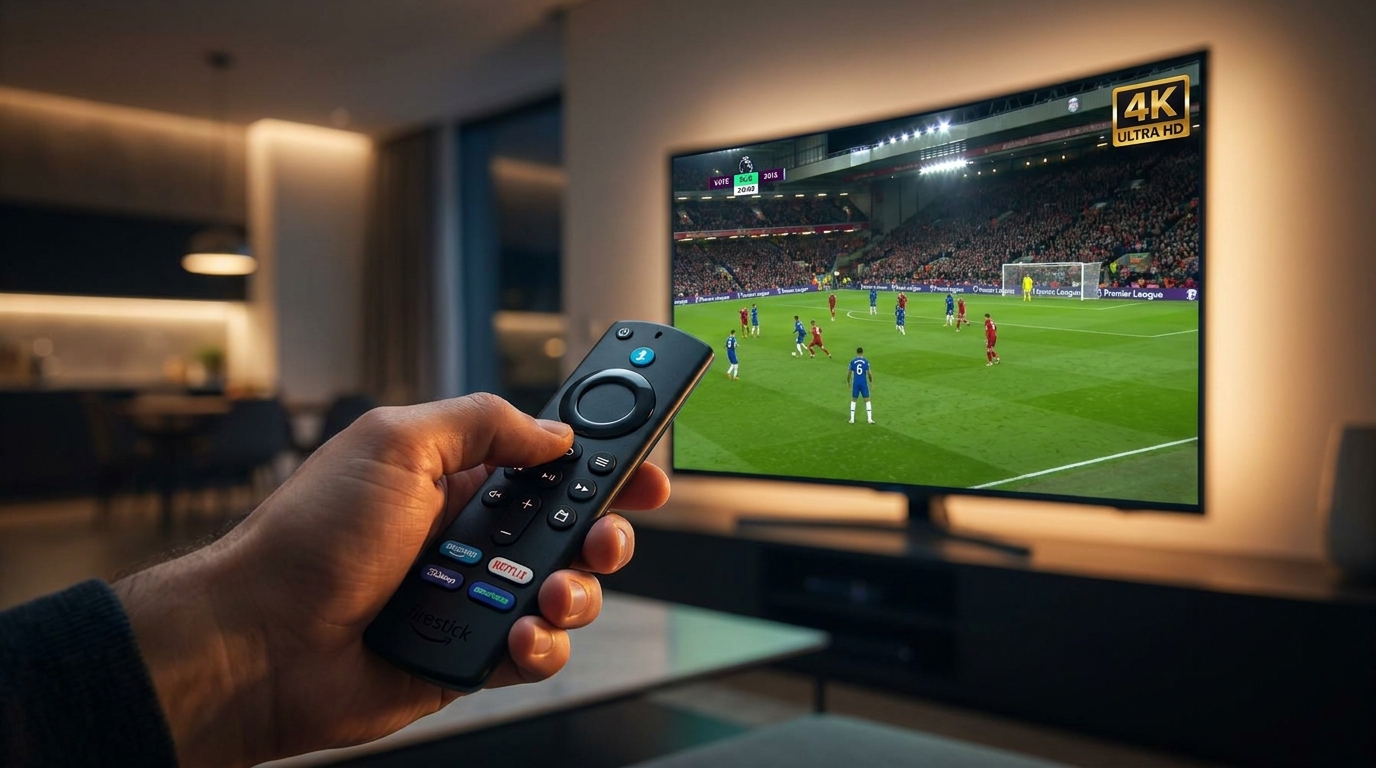
Your Amazon Firestick is a gateway to endless entertainment, but it’s only as good as the services you connect it to. By choosing a top-rated IPTV player and pairing it with a robust, reliable service like Talktomytv, you are not just watching TV; you are creating a premium, personalised entertainment hub. From live Premier League football in 4K to the latest HBO series on demand, the power is in your hands. Don’t settle for a subpar experience. Check out our to see how affordablee a premium service can be.
In conclusion, while your choice of the best IPTV player for Firestick 2024 is a vital part of the equation, it is ultimately the engine behind it—your IPTV provider—that dictates the quality of your streaming journey. A great player can organise and display content beautifully, but it cannot fix an unstable stream or a limited library. To truly elevate your home entertainment, you need a service that delivers on its promises. Experience the difference with Talktomytv’s stable, high-quality streams and unparalleled content selection. Ready to get started? Sign up for our today and unlock thee true power of your Firestick!
References
Choose Your Talktomytv Plan
All plans include instant activation, 24/7 support, and a money-back guarantee.
Frequently Asked Questions
What is the best IPTV player for Firestick 2024?
While players like TiviMate and IPTV Smarters Pro are highly rated for their features and user interface, the ‘best’ player often comes down to personal preference. The most critical factor is pairing a good player with a high-quality, stable IPTV service like Talktomytv to ensure a buffer-free experience with access to all the content you want.
Are IPTV players legal in the UK?
Yes, IPTV players themselves are perfectly legal pieces of software. They are media players, similar to VLC or Kodi. Legality concerns arise from the source of the IPTV service. Using a service that has the proper licenses to distribute content, like Talktomytv, ensures you are streaming legally and safely.
How do I add my Talktomytv subscription to an IPTV player?
It’s simple. After you subscribe to Talktomytv, you will receive an email with your login credentials. Most players have an ‘Add Playlist’ or ‘Login with Xtream Codes API’ option. You just need to enter the details from your email into the player, and it will automatically load all your channels and VOD content.
Can I use a free IPTV player with my Firestick?
Absolutely. Many excellent IPTV players, such as IPTV Smarters Pro and Perfect Player, are free to use. They provide all the essential features needed to stream content from your Talktomytv subscription without any extra cost.
Why is my IPTV buffering on my Firestick?
Buffering can be caused by several factors: a slow internet connection, an overloaded Wi-Fi network, or an underpowered device. However, the most common cause is an unreliable IPTV provider using cheap, overloaded servers. A premium service like Talktomytv uses powerful servers to eliminate buffering and provide a smooth stream.
Which is the most user-friendly IPTV player for Firestick 2024?
For beginners, IPTV Smarters Pro is often recommended as the most user-friendly option due to its straightforward setup process using Xtream Codes. For those wanting a more polished, TV-like experience and who don’t mind a small one-time fee for premium features, TiviMate is widely considered to have the best and most intuitive interface.
{“@context”:”https://schema.org”,”@type”:”FAQPage”,”mainEntity”:[{“@type”:”Question”,”name”:”What is the best IPTV player for Firestick 2024?”,”acceptedAnswer”:{“@type”:”Answer”,”text”:”While players like TiviMate and IPTV Smarters Pro are highly rated for their features and user interface, the ‘best’ player often comes down to personal preference. The most critical factor is pairing a good player with a high-quality, stable IPTV service like Talktomytv to ensure a buffer-free experience with access to all the content you want.”}},{“@type”:”Question”,”name”:”Are IPTV players legal in the UK?”,”acceptedAnswer”:{“@type”:”Answer”,”text”:”Yes, IPTV players themselves are perfectly legal pieces of software. They are media players, similar to VLC or Kodi. Legality concerns arise from the source of the IPTV service. Using a service that has the proper licenses to distribute content, like Talktomytv, ensures you are streaming legally and safely.”}},{“@type”:”Question”,”name”:”How do I add my Talktomytv subscription to an IPTV player?”,”acceptedAnswer”:{“@type”:”Answer”,”text”:”It’s simple. After you subscribe to Talktomytv, you will receive an email with your login credentials. Most players have an ‘Add Playlist’ or ‘Login with Xtream Codes API’ option. You just need to enter the details from your email into the player, and it will automatically load all your channels and VOD content.”}},{“@type”:”Question”,”name”:”Can I use a free IPTV player with my Firestick?”,”acceptedAnswer”:{“@type”:”Answer”,”text”:”Absolutely. Many excellent IPTV players, such as IPTV Smarters Pro and Perfect Player, are free to use. They provide all the essential features needed to stream content from your Talktomytv subscription without any extra cost.”}},{“@type”:”Question”,”name”:”Why is my IPTV buffering on my Firestick?”,”acceptedAnswer”:{“@type”:”Answer”,”text”:”Buffering can be caused by several factors: a slow internet connection, an overloaded Wi-Fi network, or an underpowered device. However, the most common cause is an unreliable IPTV provider using cheap, overloaded servers. A premium service like Talktomytv uses powerful servers to eliminate buffering and provide a smooth stream.”}},{“@type”:”Question”,”name”:”Which is the most user-friendly IPTV player for Firestick 2024?”,”acceptedAnswer”:{“@type”:”Answer”,”text”:”For beginners, IPTV Smarters Pro is often recommended as the most user-friendly option due to its straightforward setup process using Xtream Codes. For those wanting a more polished, TV-like experience and who don’t mind a small one-time fee for premium features, TiviMate is widely considered to have the best and most intuitive interface.”}}]}