Best IPTV Player for Windows: The Ultimate 2024 Guide
Finding the best IPTV player for Windows is the first step towards unlocking a world of limitless entertainment directly on your PC. Whether you’re looking to watch live sports, catch up on premium series, or explore international channels, the right player combined with a high-quality IPTV service can transform your computer into a powerful media hub. In this comprehensive guide, we’ll explore the top players available for Windows and show you how to pair them with a premium service like Talktomytv for an unparalleled viewing experience.
While the player is the vehicle, the service is the fuel. A great player can’t fix a poor-quality stream. That’s why thousands in the UK trust Talktomytv to deliver stable, high-definition content from around the globe, perfectly compatible with any Windows IPTV client you choose. Let’s dive in and find the perfect setup for you.
What is an IPTV Player and Why Do You Need One for Windows?
IPTV, or Internet Protocol Television, is a method of delivering television content over internet protocol networks. Unlike traditional satellite or cable, it uses your internet connection to stream media. But to access this content on your Windows PC, you need a specific piece of software: an IPTV player.
The Role of an IPTV Player
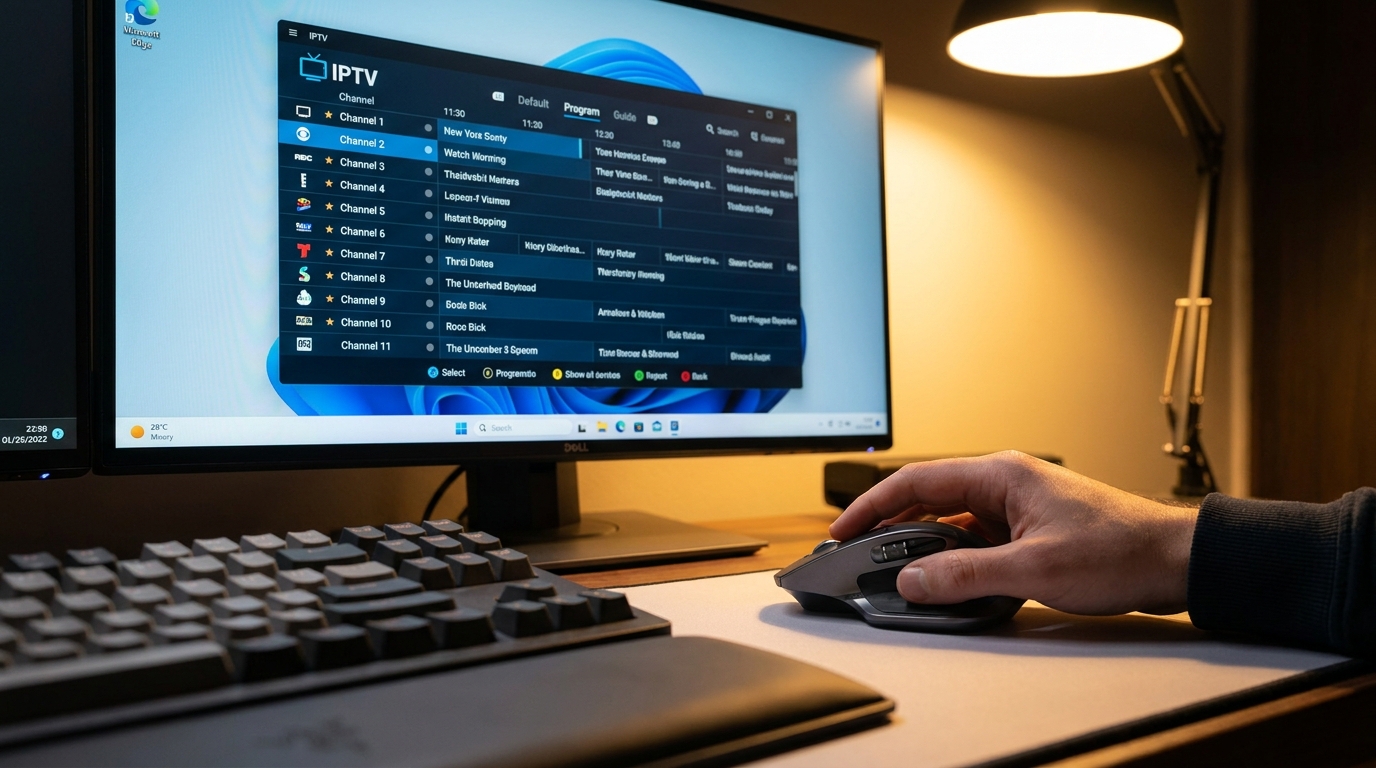
Think of an IPTV player as a specialized web browser for television. It doesn’t host any content itself. Instead, it’s a tool designed to read and organize playlists (usually in M3U format) provided by an IPTV service like Talktomytv. The player decodes the video streams and presents them in a user-friendly interface, often complete with an Electronic Program Guide (EPG) that shows what’s on now and next.
Benefits of Using a Dedicated Player on Your PC
While you could try watching streams in a standard browser, a dedicated IPTV player for your PC offers significant advantages:
- Centralized Hub: Keep all your channels, movies, and series organized in one application.
- EPG Integration: A proper EPG transforms the experience, making it feel like traditional TV with a full schedule at your fingertips.
- Superior Performance: Dedicated players are optimized for video playback, ensuring smoother streams with less buffering compared to a browser.
- Advanced Features: Many players offer recording (PVR), catch-up TV, and support for multiple playlists and audio tracks.
- Format Compatibility: The best players handle various streaming protocols and video codecs without requiring you to install extra software.
Key Features to Look for in the Best IPTV Player for Windows
Not all IPTV players are created equal. When choosing the best IPTV player for Windows, there are several crucial features to consider. Your goal is to find a player that is stable, easy to use, and supports all the features offered by your IPTV provider.
User Interface and Ease of Use
The player’s interface should be clean, intuitive, and easy to navigate. You should be able to find your channels and browse the EPG without any hassle. A clunky or confusing UI can quickly ruin the viewing experience.
Codec and Format Support (M3U, EPG)
This is the most critical technical aspect. The player must support the most common playlist format, M3U or M3U8. It should also have robust support for XMLTV, which is the standard format for EPG data. Broad video codec support (H.264, H.265/HEVC, etc.) ensures you can play any stream your provider offers, including 4K content from Talktomytv.
Performance and Stability
A good player should be lightweight and not consume excessive system resources. It must be stable, without frequent crashes or freezes. Smooth, buffer-free playback is the ultimate goal, and a well-coded player contributes significantly to this.
Customisation and Advanced Features
Look for features that enhance your experience, such as:
- Parental Controls
- Recording capabilities (PVR)
- Support for subtitles and multiple audio tracks
- Picture-in-picture mode
- The ability to customize the channel list and create favourites

Top Recommended IPTV Players for Your Windows PC
Here are some of the most popular and reliable IPTV players available for Windows. Each of these options is fully compatible with the high-quality streams provided by Talktomytv.
🎁 Try Before You Buy — 24-Hour Free Trial
Test the full service with all 24,000+ channels. No commitment required.
VLC Media Player (The Versatile Classic)
VLC is a free, open-source media player that can play almost any file format, including IPTV streams. It’s incredibly reliable and lightweight. While its interface for IPTV isn’t as polished as dedicated players (lacking a grid-style EPG), its stability is unmatched. To use it, you simply go to “Media” > “Open Network Stream” and paste your M3U URL from Talktomytv.
Kodi (The All-in-One Media Centre)
Kodi is much more than just an IPTV player; it’s a complete media centre. With the right add-on, like PVR IPTV Simple Client, Kodi transforms into a powerful and highly customizable IPTV interface. It offers a fantastic EPG view, library integration, and a visually rich experience. It requires a bit more setup but is a favourite among enthusiasts.
MyIPTV Player (The Microsoft Store Favourite)
Available directly from the Microsoft Store, MyIPTV Player is a straightforward and easy-to-use application. It’s designed specifically for IPTV, offering simple M3U and EPG link integration. If you want a no-fuss solution that just works, this is an excellent choice for any user looking for a reliable IPTV player for PC.
Perfect Player (The Feature-Rich Option)
Perfect Player is another popular choice that offers a sleek, set-top box-style interface. It’s known for its excellent EPG display and customization options. It provides a very polished user experience and is great for users who want more control over the look and feel of their IPTV setup.
🎬 Ready to Stream with Talktomytv?
Premium IPTV with 24,000+ channels, 100,000+ movies, 4K quality. Instant activation.
How to Set Up Your IPTV Service with a Windows Player
Getting started is incredibly simple. Once you have a subscription, you can be watching in minutes.
Step 1: Choose Your Talktomytv Subscription
First, you need a reliable IPTV service. Talktomytv offers several flexible plans, from 1 month to 12 months, packed with premium content. Visit our page to select thee best option for you. We even offer a free trial so you can see the quality for yourself.
Step 2: Download and Install Your Chosen Player
Select one of the players mentioned above (or another of your choice) and install it on your Windows PC. They are all readily available online or through the Microsoft Store.
Step 3: Enter Your M3U URL or Xtream Codes
After you subscribe to Talktomytv, you’ll receive a welcome email with your login details. This will include your unique M3U playlist URL and EPG link. Open your IPTV player, find the settings to add a playlist, and simply copy and paste these links into the appropriate fields.
Step 4: Enjoy Limitless Entertainment!
That’s it! Your player will load all the channels and the program guide. You can now browse thousands of live TV channels, movies, and series from over 50 countries, including all the premium sports and movie packages. For detailed, player-specific instructions, check out our page..
Why Talktomytv is the Ultimate Choice for Windows Users
Choosing the best IPTV player for Windows is only half the battle. The quality of your IPTV provider determines whether you have a frustrating or a fantastic experience. Talktomytv is built to provide the latter.
Here’s how our service stands out compared to generic or unreliable free providers:
| Feature | Talktomytv | Generic/Free IPTV Services |
|---|---|---|
| Stream Quality | Consistent 4K & FHD streams with anti-freeze technology. | Unreliable SD or heavily compressed HD, constant buffering. |
| Content Library | 20,000+ channels, full VOD catalogs from Netflix, Prime & more. | Limited, outdated channels and a small selection of old movies. |
| Live Sports | Every major league: Premier League, F1, UFC, NFL, and 24/7 PPV events. | Missing major events, unreliable streams that fail mid-game. |
| Customer Support | 24/7 dedicated support via live chat and email. | Non-existent or slow, unhelpful email responses. |
| Device Compatibility | Works flawlessly on all devices and Windows players. | Limited compatibility, often requiring specific, obscure players. |
Our commitment is to quality and reliability. With Talktomytv, you get access to a massive and constantly updated library of content that works seamlessly with your chosen Windows IPTV client. From live Premier League matches in stunning 4K to the latest HBO series on demand, our service delivers it all without interruption.
In conclusion, the journey to exceptional TV on your computer starts with finding the best IPTV player for Windows and pairing it with a superior service. The players we’ve discussed provide the features and stability you need, while Talktomytv delivers the premium content that makes it all worthwhile. Don’t settle for buffering and low-quality streams. Elevate your viewing experience today. Ready to get started? Sign up for your and see the Talktomytvv difference for yourself!
References
Choose Your Talktomytv Plan
All plans include instant activation, 24/7 support, and a money-back guarantee.
Frequently Asked Questions
What is the absolute best IPTV player for Windows?
While players like VLC and Kodi are excellent, the “best” experience comes from pairing a stable player with a premium service like Talktomytv. Our service provides high-quality streams that work flawlessly on any major Windows player, making the software choice a matter of personal preference.
Can I use a free IPTV player on my Windows PC?
Yes, many of the best players are free to download and use. However, the quality of your streaming experience depends entirely on the IPTV provider. Talktomytv offers a premium, reliable service to unlock the full potential of these free players with thousands of channels in high definition.
How do I find my M3U URL for my IPTV player on Windows?
After subscribing to an IPTV service like Talktomytv, you will receive an email containing your login credentials, which include your M3U playlist URL and EPG link. You can find detailed instructions on our tutorials page for various players.
Is it legal to use an IPTV player on Windows in the UK?
Using an IPTV player application is completely legal, as it is just software for playing video. The legality of the content depends on the source. It is crucial to use a reputable provider that has appropriate licensing for the channels it provides to ensure you are streaming legally.
Does Talktomytv work with any IPTV player for Windows?
Absolutely. Talktomytv is designed for maximum compatibility. Our service works seamlessly with virtually every major and best IPTV player for Windows, ensuring you can choose the software you’re most comfortable with without any issues.