What Defines the Best IPTV Player for Windows?
Before diving into specific applications, it’s crucial to understand the criteria that separate a mediocre player from a great one. The ideal player should enhance your viewing experience, not complicate it. When you pair a top-tier player with a robust service like Talktomytv, you unlock unparalleled entertainment on your Windows device.
Key Features to Look For
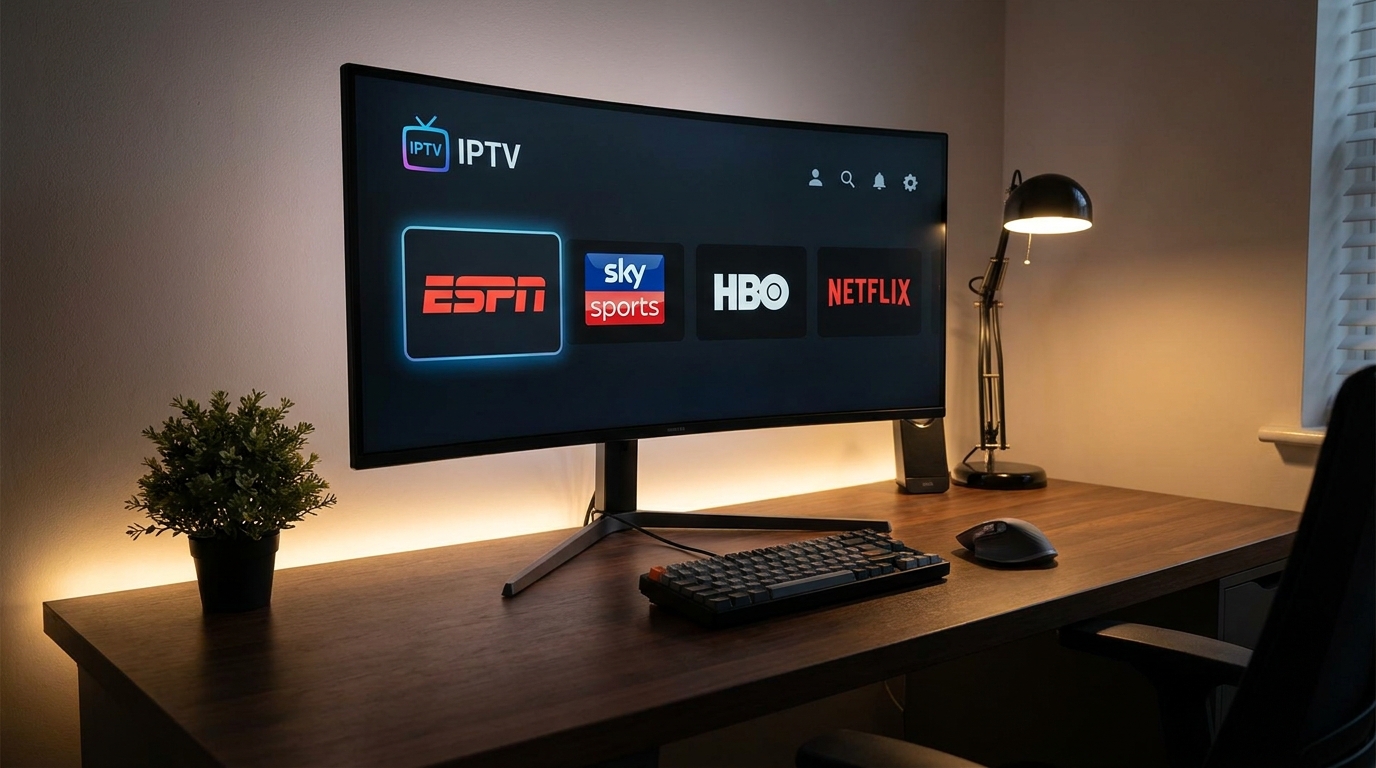
Here are the essential attributes that any contender for the best IPTV player for Windows must possess:
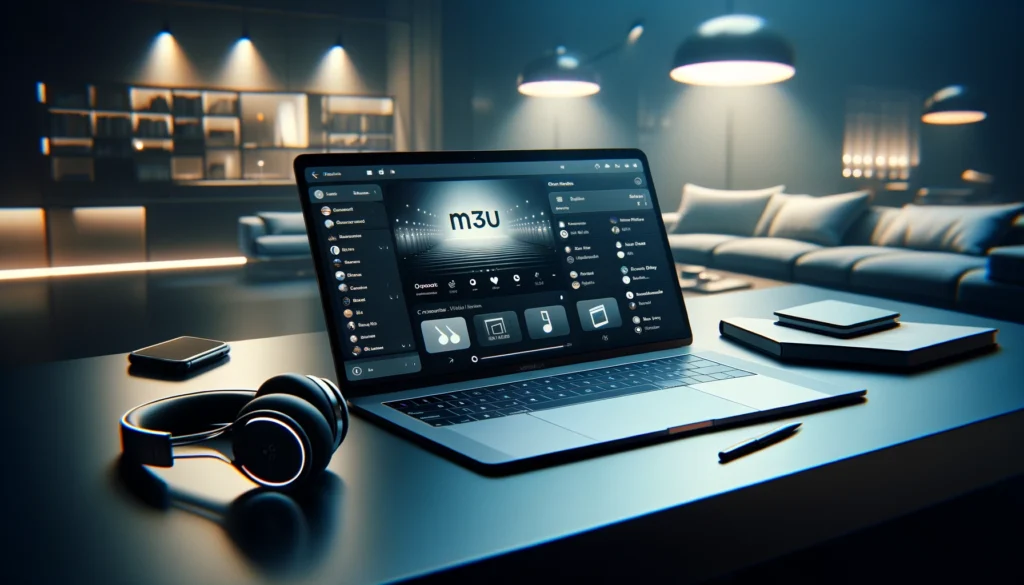
- Wide Format Support: The player must support common playlist formats like M3U and M3U8, as well as EPG (Electronic Program Guide) formats like XMLTV.
- High-Performance Streaming: It should handle Full HD (FHD) and 4K streams without constant buffering or stuttering, provided you have a stable internet connection.
- Intuitive User Interface (UI): A clean, modern, and easy-to-navigate interface is non-negotiable. You should be able to find your channels, VOD content, and settings effortlessly.
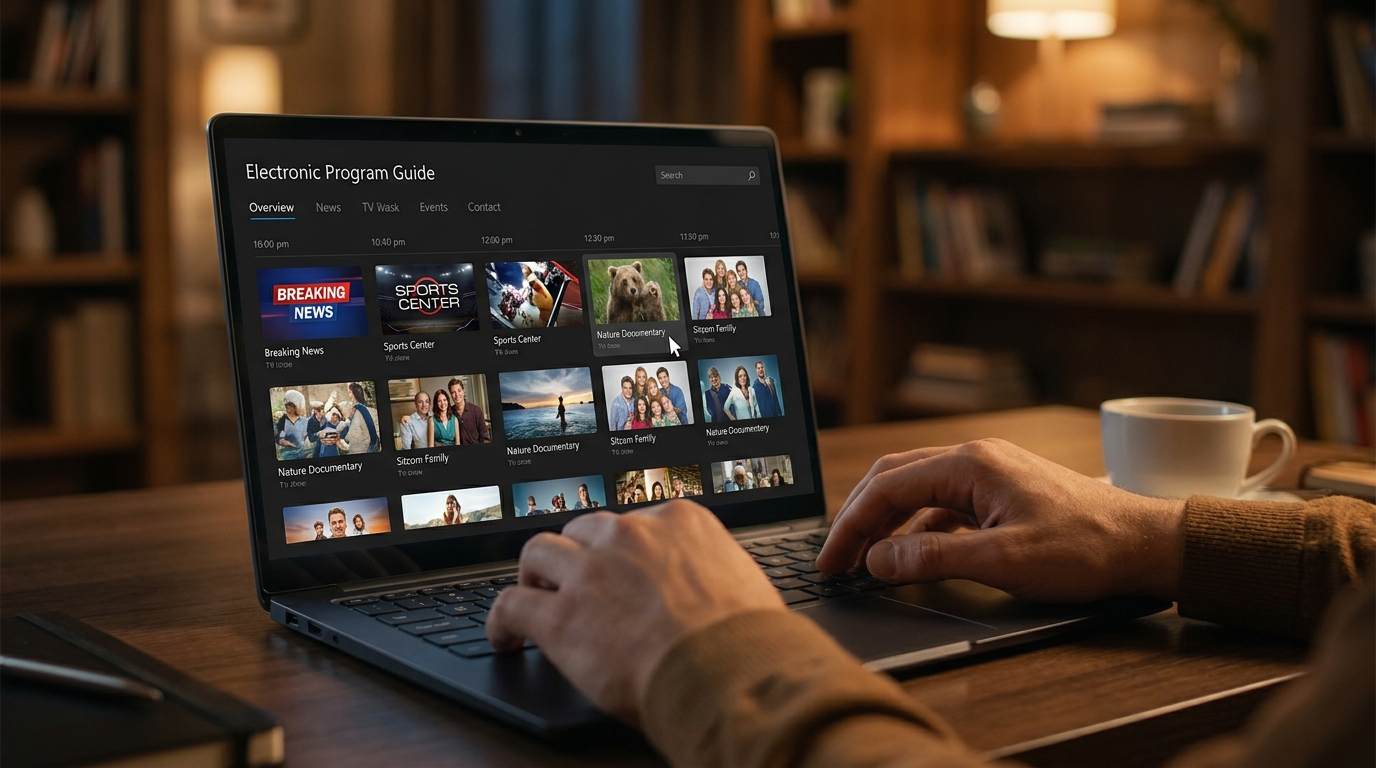
- EPG Integration: A functional and visually appealing EPG is vital for browsing what’s on now and what’s coming up next, replicating a traditional TV experience.
- Customisation and Stability: The ability to customise playlists, categorise channels, and maintain stable performance over long viewing sessions is a hallmark of quality software.
Popular IPTV Player Options for Windows Users
Several types of applications are available for Windows, each with its own set of pros and cons. While many free options exist, they often lack the seamless integration and support that come with a dedicated service.
Versatile Media Players
Applications like VLC Media Player are often cited due to their ability to play almost any file type, including M3U playlists. While reliable, they are not purpose-built for IPTV. Their EPG support can be clunky, and the interface lacks the polish of a dedicated IPTV application. They are a decent starting point but not the ultimate solution for the best IPTV player for Windows experience.
Dedicated IPTV Applications
These are applications built from the ground up specifically for IPTV streaming. They typically offer superior EPG integration, channel management, and a TV-centric user interface. Many popular apps exist, and they provide a significantly better experience than generic media players. However, their performance is still entirely dependent on the quality of the IPTV provider you connect them to. A great player cannot fix a poor-quality stream.
The Talktomytv Integrated Experience
For the most streamlined and powerful experience, using a service like Talktomytv is the answer. Our service is designed for maximum compatibility with the leading IPTV players, ensuring that you get a hassle-free setup and optimal performance. We provide you with the simple M3U and EPG links needed to integrate with your chosen player, removing all the guesswork. This combination of a powerful player and a premium stream is what truly constitutes the best IPTV player for Windows setup.
🎬 Ready to Stream with Talktomytv?
Premium IPTV with 24,000+ channels, 100,000+ movies, 4K quality. Instant activation.
How to Set Up Your IPTV Service on Windows
Getting started is incredibly simple. You can be watching your favourite channels in just a few minutes by following these steps:
🎁 Try Before You Buy — 24-Hour Free Trial
Test the full service with all 24,000+ channels. No commitment required.
- Choose Your Player: Download and install your preferred IPTV player onto your Windows PC or laptop.
- Subscribe to Talktomytv: Sign up for a Talktomytv plan. We offer flexible options, including a popular 12 Months plan for the best value.
- Receive Your Credentials: After subscribing, you will receive an email with your M3U playlist URL and EPG link.
- Configure Your Player: Open your IPTV player, find the option to ‘Add Playlist’ or ‘Load M3U’, and paste the URL provided by us. Do the same for the EPG link.
- Start Streaming: Your channels, movies, and series will now load. Sit back and enjoy thousands of options at your fingertips!
For more detailed guides, you can always visit our page for step-by-step instructionss for various players and devices.
Why Your IPTV Service is More Important Than the Player
While finding the best IPTV player for Windows is a key step, it’s only half the battle. The quality, reliability, and variety of your content are determined entirely by your IPTV provider. A free or unreliable service will deliver a frustrating experience with constant buffering, low-resolution streams, and channels that disappear without warning, regardless of how good your player is.
This is where Talktomytv excels. We provide the premium backbone that powers an exceptional viewing experience.
Talktomytv vs. Generic IPTV Providers
The difference in quality is night and day. Here’s a quick comparison:
| Feature | Free/Generic IPTV Services | Talktomytv Premium Service |
|---|---|---|
| Stream Quality & Stability | Often SD, unreliable, frequent buffering | Crystal-clear 4K & FHD streams with 99.9% uptime |
| Content Library | Limited channels, few VOD options | 20,000+ channels, 140,000+ VOD titles, Netflix/Prime/Disney+ catalogs |
| Live Sports Access | Unreliable, low-quality sports streams | Full access to Premier League, F1, UFC, NFL, and more |
| Customer Support | Non-existent or slow email support | 24/7 dedicated customer support |
| Features | Basic streaming only | Catch-up TV, PPV events included, weekly updates |
As the table shows, the provider is the most critical component. Explore our to see which optionn is the best fit for you.

Conclusion: The Ultimate Windows IPTV Solution
In your search for the best IPTV player for Windows, remember that the software is only a gateway to the content. While players like VLC and other dedicated apps provide the necessary functionality, the true quality of your viewing experience hinges on the stability and breadth of your IPTV subscription. By combining a capable player with the premium, high-performance streams from Talktomytv, you create an unbeatable entertainment setup on your Windows PC. Don’t settle for buffering and limited options. It’s time to elevate your streaming. Sign up for a and experience the Talktomytvv difference today!
References
Choose Your Talktomytv Plan
All plans include instant activation, 24/7 support, and a money-back guarantee.
Frequently Asked Questions
What is the best IPTV player for Windows 11?
The best IPTV player for Windows 11 is one that supports 4K streaming, has a user-friendly EPG, and is stable. While many standalone players work well, the optimal experience comes from pairing a good player with a high-quality service like Talktomytv, which guarantees compatible, high-performance streams.
Can I use a free IPTV player on my Windows PC?
Yes, you can absolutely use a free IPTV player on Windows. Many great options are available. However, the player’s performance is entirely dependent on the quality of the IPTV service. For a buffer-free experience with access to thousands of channels, we recommend connecting your player to a premium Talktomytv subscription.
How do I get an M3U link to use with my Windows IPTV player?
You receive your M3U link after subscribing to an IPTV service. When you sign up for any Talktomytv plan, we will immediately send you an email containing your unique M3U playlist URL and EPG link to easily set up on your chosen player.
Does the best IPTV player for Windows support 4K streaming?
Yes, the top IPTV players for Windows are fully capable of handling 4K and FHD streams. However, to actually watch content in 4K, your IPTV provider must offer 4K channels. Talktomytv provides a wide selection of premium channels in stunning 4K and FHD quality.
Why is my IPTV stream buffering on Windows?
Buffering can be caused by several factors: a slow internet connection, an outdated player, or, most commonly, an overloaded or low-quality IPTV server from your provider. Using a reliable service like Talktomytv with powerful servers is the best way to eliminate buffering issues.
{“@context”:”https://schema.org”,”@type”:”FAQPage”,”mainEntity”:[{“@type”:”Question”,”name”:”What is the best IPTV player for Windows 11?”,”acceptedAnswer”:{“@type”:”Answer”,”text”:”The best IPTV player for Windows 11 is one that supports 4K streaming, has a user-friendly EPG, and is stable. While many standalone players work well, the optimal experience comes from pairing a good player with a high-quality service like Talktomytv, which guarantees compatible, high-performance streams.”}},{“@type”:”Question”,”name”:”Can I use a free IPTV player on my Windows PC?”,”acceptedAnswer”:{“@type”:”Answer”,”text”:”Yes, you can absolutely use a free IPTV player on Windows. Many great options are available. However, the player’s performance is entirely dependent on the quality of the IPTV service. For a buffer-free experience with access to thousands of channels, we recommend connecting your player to a premium Talktomytv subscription.”}},{“@type”:”Question”,”name”:”How do I get an M3U link to use with my Windows IPTV player?”,”acceptedAnswer”:{“@type”:”Answer”,”text”:”You receive your M3U link after subscribing to an IPTV service. When you sign up for any Talktomytv plan, we will immediately send you an email containing your unique M3U playlist URL and EPG link to easily set up on your chosen player.”}},{“@type”:”Question”,”name”:”Does the best IPTV player for Windows support 4K streaming?”,”acceptedAnswer”:{“@type”:”Answer”,”text”:”Yes, the top IPTV players for Windows are fully capable of handling 4K and FHD streams. However, to actually watch content in 4K, your IPTV provider must offer 4K channels. Talktomytv provides a wide selection of premium channels in stunning 4K and FHD quality.”}},{“@type”:”Question”,”name”:”Why is my IPTV stream buffering on Windows?”,”acceptedAnswer”:{“@type”:”Answer”,”text”:”Buffering can be caused by several factors: a slow internet connection, an outdated player, or, most commonly, an overloaded or low-quality IPTV server from your provider. Using a reliable service like Talktomytv with powerful servers is the best way to eliminate buffering issues.”}}]}