The Ultimate IPTV App Guide for the UK (2024)
Finding the right iptv app can completely transform your home entertainment, unlocking a world of live TV, movies, and sports from across the globe. However, with so many options available, navigating the landscape can be confusing. This comprehensive guide will walk you through everything you need to know, from essential features to device compatibility, and explain why an integrated service is the key to a flawless streaming experience. Here at Talktomytv, we provide not just a service, but a complete entertainment solution designed for UK viewers who demand quality, reliability, and an unparalleled content library.
What is an IPTV App and How Does It Work?
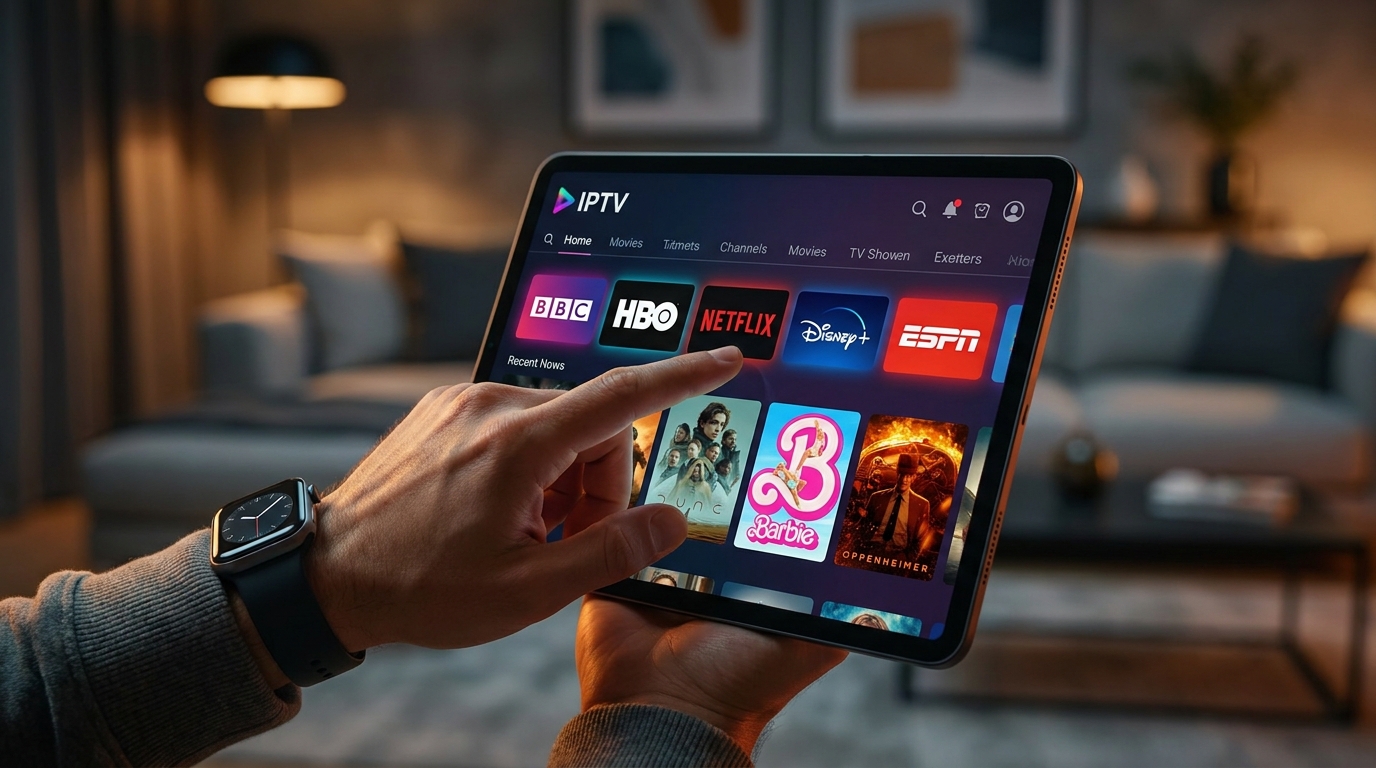
At its core, an IPTV (Internet Protocol Television) app is a piece of software that allows you to stream television content over the internet, rather than through traditional satellite or cable signals. It acts as a player or a portal, connecting your device to an IPTV service provider’s servers to deliver live channels, video on demand (VOD), and other digital media directly to your screen.
The Technology Behind IPTV Streaming
Unlike traditional broadcasting which sends out signals in a one-way format, IPTV uses a more sophisticated network system. When you select a channel on your IPTV app, a request is sent over the internet to the provider’s server. The server then delivers the content for that specific channel back to you in the form of data packets. This client-server model is highly efficient, ensuring that you only use bandwidth for the content you are actively watching. This technology enables high-definition (HD), full high-definition (FHD), and even 4K streaming, provided your internet connection is robust enough. It’s the same fundamental technology that powers services like Netflix and YouTube, but applied to live television broadcasting.
M3U Links, EPGs, and VOD Explained
When you delve into the world of IPTV, you’ll encounter a few key terms:
- M3U Playlist/Link: This is essentially a text file that contains the URLs of the streams for all the channels and content provided by your IPTV service. Your IPTV app uses this file to know where to find and play the channels you select. With a premium service like Talktomytv, this is handled seamlessly for you.
- EPG (Electronic Program Guide): The EPG is the digital TV guide within your app. It shows you what’s currently playing and what’s scheduled for the upcoming hours and days on each channel. A high-quality, accurate EPG is crucial for a user-friendly experience, allowing you to browse and plan your viewing easily.
- VOD (Video on Demand): This refers to a library of movies and TV series that you can watch anytime you want. A good IPTV service will have an extensive, well-organized VOD catalogue that is regularly updated. Talktomytv includes the full catalogues of Netflix, Prime Video, and Disney+, ensuring you never run out of things to watch.
Legal and Legitimate IPTV Services
It’s vital to choose a legitimate IPTV service. Many free or suspiciously cheap providers operate by pirating content, which can lead to unreliable streams, security risks, and legal issues. A professional service like Talktomytv operates with a robust infrastructure and provides a reliable, high-quality, and secure viewing experience. For more information, you can read about our commitment to quality on our page..
🎬 Ready to Stream with Talktomytv?
Premium IPTV with 24,000+ channels, 100,000+ movies, 4K quality. Instant activation.
Key Features to Look for in a Premium IPTV App Experience
Not all IPTV experiences are created equal. The quality of the service behind the app is what truly matters. When evaluating your options, here are the critical features that separate a premium service from the rest—all of which are standard with Talktomytv.
User Interface and Ease of Use
The best IPTV app should have a clean, intuitive, and modern interface. Navigation should be straightforward, allowing you to find your favourite channels, movies, or sports events quickly. Clunky, outdated, or complicated menus can ruin the viewing experience. We ensure our service is compatible with apps that offer a seamless and enjoyable user experience on any device.
Device Compatibility
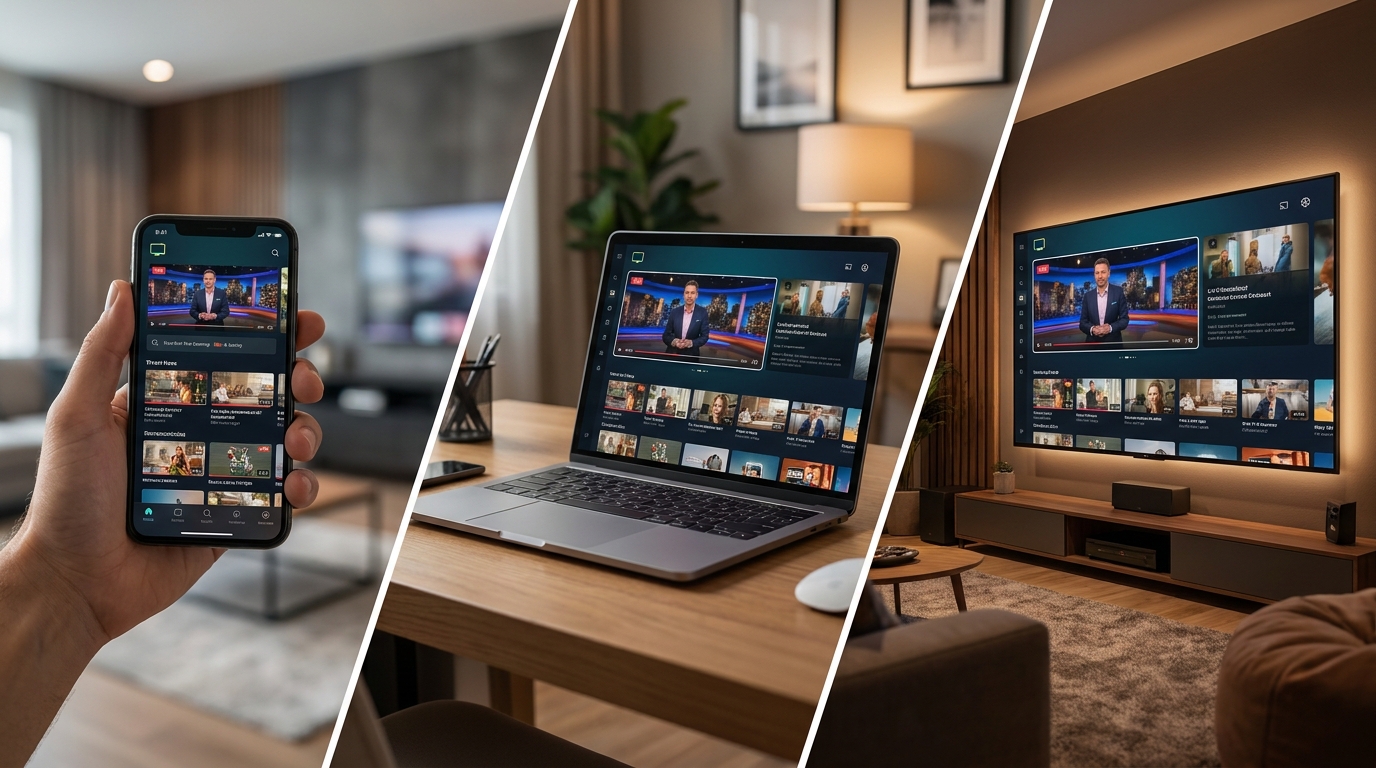
Your IPTV service should work wherever you want to watch. True flexibility means comprehensive support for a wide range of devices. A top-tier service must be compatible with:
- Smart TVs: Samsung, LG, Sony, and others.
- Android Devices: Android TV boxes, NVIDIA Shield, Chromecast with Google TV.
- Amazon Devices: Firestick 4K, Fire TV Cube.
- Apple Devices: iPhone, iPad, Apple TV.
- Computers: Windows PC and macOS.
- MAG Boxes.
Talktomytv is designed for maximum compatibility. You can find detailed setup instructions for all major devices in our section..
EPG (Electronic Program Guide) Quality
A reliable and detailed EPG is non-negotiable. Look for a service that provides an accurate, fast-loading guide with channel logos and detailed program information. It should make it simple to see what’s on now and next, and to browse the schedule for the coming week.
VOD (Video on Demand) Library Integration
A great IPTV service is more than just live TV. It’s a complete entertainment hub. The VOD library should be vast, well-organized by genre, and updated frequently with new releases. Talktomytv takes this a step further by including the full libraries of major streaming giants, meaning you get live TV and a world-class VOD service in one subscription.
Catch-up and Recording Features
Missed your favourite show? With Catch-up TV, you can watch programs from the last 7 days on many major channels. This feature provides the flexibility of on-demand viewing for live TV content. Some apps compatible with our service also offer cloud recording capabilities, so you never have to miss a moment.
Customer Support
When you encounter a technical issue, you need prompt and effective support. A reputable provider will offer 24/7 customer service through channels like live chat, email, or a ticketing system. At Talktomytv, we pride ourselves on our responsive support team, ready to help you with any questions you might have. Check our for answers to commonn questions.
Why an Integrated Service Like Talktomytv is Superior to a Standalone IPTV App
Many people start by downloading a generic, free IPTV player from an app store and then try to find a service to plug into it. This approach often leads to frustration, instability, and a poor-quality experience. The superior solution is an integrated service where the content provider ensures compatibility and performance.
🎁 Try Before You Buy — 24-Hour Free Trial
Test the full service with all 24,000+ channels. No commitment required.
The Problem with Generic IPTV Players
Free IPTV apps are merely empty shells. They provide the software framework, but the quality of your streaming experience—the channels, the stability, the EPG, the VOD—depends entirely on the service you connect to it. Sourcing a playlist from an unreliable provider can result in:
- Constant Buffering: Overloaded servers lead to frustrating pauses and stuttering, especially during popular live events.
- Unreliable Channels: Channels frequently go down, show the wrong content, or disappear entirely.
- Outdated EPG: The program guide is often inaccurate, incomplete, or non-existent.
- Security Risks: Free or shady services can pose a risk to your data privacy and device security.
- No Support: When things go wrong, there’s nobody to turn to for help.
The All-in-One Talktomytv Advantage
With Talktomytv, you’re not just buying a playlist; you’re subscribing to a fully managed, premium entertainment service. We invest in high-performance servers and a robust network infrastructure to guarantee a smooth, buffer-free experience. Our channel lists are professionally curated and maintained, our EPG is always accurate, and our VOD library is updated weekly. We ensure our service works perfectly with the best and most stable IPTV app choices for your specific device.
Comparison: Talktomytv vs. Generic App + Separate Service
| Feature | Generic App + Unverified Service | Talktomytv Integrated Service |
|---|---|---|
| Stream Stability | Prone to frequent buffering and downtime. | 99.9% uptime with powerful, anti-freeze servers. |
| Content Quality | Inconsistent, with many low-resolution streams. | True 4K & FHD streams for all premium channels. |
| VOD Library | Limited, poorly organized, and rarely updated. | Full Netflix, Prime Video & Disney+ catalogs, updated weekly. |
| EPG & Catch-up | Often missing, inaccurate, or non-functional. | Accurate 7-day EPG and functional Catch-up TV. |
| Customer Support | Non-existent or unresponsive. | 24/7 professional customer support. |
| Security | Potential for malware and data theft. | Secure and private connection. |
The Best IPTV App Experience for Every Device
While our service provides the high-quality streams, choosing a good player app for your device can enhance the experience. Our tutorials section provides guides for the best apps, but here’s a general overview of what to expect for different platforms.
For Android and Android TV (Firestick, Nvidia Shield)
Android is the most flexible platform for IPTV. Devices like the Amazon Firestick are incredibly popular due to their affordability and power. There are numerous excellent IPTV player apps available on the Google Play Store and via direct download. These apps are designed to handle M3U playlists and EPG data efficiently, offering features like customizable interfaces, recording, and multi-screen support. When you subscribe to Talktomytv, we provide simple instructions for installing the optimal app on your Android device.
For iOS (iPhone, iPad, Apple TV)
Apple users also have great options for enjoying IPTV. The App Store features several high-quality IPTV player applications that are known for their polished interfaces and smooth performance, fully leveraging the power of Apple’s hardware. You can easily stream our full lineup of channels and VOD content on your iPhone on the go, or on your Apple TV for a premium living room experience.
For Smart TVs (Samsung, LG)
Modern Smart TVs from manufacturers like Samsung (Tizen OS) and LG (webOS) have their own app stores. You can find dedicated IPTV apps that allow you to input your service details directly into your TV, no extra box required. This creates a highly integrated and seamless experience, controlled with your standard TV remote. Our service is fully compatible with the leading Smart TV apps.
For Windows and macOS
Watching on a computer is simple and offers a great deal of control. Several well-regarded media players for both Windows and macOS can function as powerful IPTV clients. The most famous example is VLC Media Player, but there are also dedicated IPTV apps that offer a more TV-like experience with a full EPG. This is a perfect solution for watching in a home office or on a laptop while travelling.
What Content Can You Expect with Talktomytv?
The core of any IPTV service is its content. An IPTV app is useless without a world-class selection of channels and on-demand titles. With Talktomytv, you get a truly comprehensive package designed for the UK audience.
- Unrivalled Live Sports: Never miss a match. Get every Premier League game, plus full coverage of the NFL, NBA, UFC, F1, Champions League, and more from Sky Sports, BeIN, ESPN, and other global sports networks. All major PPV events are included at no extra cost.
- Premium Channels: Enjoy the best in entertainment with channels like HBO, Showtime, and all the premium UK and US networks you’d expect from a top-tier cable package.
- Complete VOD Catalogs: Why pay for multiple subscriptions? Our plans include the full, up-to-date movie and series catalogs from Netflix, Prime Video, and Disney+. New movies are added every Friday.
- International TV: Explore television from over 50 countries, including extensive packages from the USA, Canada, France, Spain, Italy, and Arabic nations.
- 24/7 News & Kids Channels: Stay informed with live news from CNN, BBC, Sky News, and Fox News. Keep the little ones entertained with Disney, Cartoon Network, Nickelodeon, and more.
Explore our full offering on our plans page. We alsoo offer opportunities for those interested in starting their own business through our platform..
Setting Up Your IPTV App with Talktomytv: A Step-by-Step Guide
Getting started with a premium IPTV service is much easier than you might think. We’ve streamlined the process to get you watching in minutes.
Step 1: Choose Your Talktomytv Plan
Visit our pricing page and select the plan that’s right for you. We offer flexible options, including our popular 12 Months plan for the best value, as well as 3 Months and 1 Month passes. Not sure? You can start with our Free Trial to see the quality for yourself.
Step 2: Receive Your Login Credentials
Immediately after you sign up, we will email you your unique login credentials and the necessary information to connect to our service. This will typically include a username, password, and a server URL or M3U link.
Step 3: Download a Compatible App
Based on your device (Firestick, Android TV, iPhone, etc.), you’ll download a recommended IPTV player app. Our page has detailed, easy-to-followw guides for every major device, pointing you to the best and most stable app for your hardware.
Step 4: Enter Your Details and Start Watching
Open the app, navigate to the setup or ‘Add Playlist’ section, and enter the credentials we sent you. Within seconds, the app will load the full list of channels, the EPG, and the VOD library. That’s it! You’re ready to explore thousands of hours of entertainment.
Conclusion: Your Search for the Perfect IPTV App Ends Here
The journey to find the perfect entertainment setup doesn’t have to be complicated. While a standalone iptv app is a necessary component, it’s the power, stability, and content of the service behind it that truly defines your viewing experience. By choosing an integrated, premium service like Talktomytv, you bypass all the common issues of buffering, unreliable streams, and non-existent support. You gain access to a world of limitless entertainment—live sports, premium channels, and vast on-demand libraries—all in stunning 4K and FHD quality. Stop searching and start watching. Take your entertainment to the next level today by choosing a Talktomytv plan and discover the ultimate IPTV experience. Get started with our risk-free trial now!
References
Choose Your Talktomytv Plan
All plans include instant activation, 24/7 support, and a money-back guarantee.
Frequently Asked Questions
What is the best IPTV app to use?
The ‘best’ IPTV app often depends on your device. For Android/Firestick, apps like TiviMate or IPTV Smarters are popular. For Apple devices, there are great options on the App Store. However, the app is just a player; the most crucial factor is the IPTV service provider. Talktomytv ensures our service is compatible with the top-performing apps for every device, guaranteeing a smooth and high-quality experience.
Are IPTV apps legal in the UK?
Yes, IPTV apps themselves are perfectly legal software, available in official app stores like Google Play and the Apple App Store. Legality depends on the content source. Using an IPTV app to watch a legitimate, subscription-based service like Talktomytv is a legal way to access television content. We advise staying away from services that offer content without the proper licensing.
How do I install an IPTV app on my Firestick?
Installing an IPTV app on a Firestick is straightforward. You typically use the ‘Downloader’ app to install the application file (APK) for your chosen player. Once installed, you just need to enter the subscription details from your provider. Talktomytv provides easy, step-by-step guides in our Tutorials section for a hassle-free setup on Firestick and all other devices.
Can I use one subscription on multiple devices?
Most IPTV providers, including Talktomytv, offer plans that allow for multiple connections. This means you can use your single subscription on several devices, though usually not at the same time unless you purchase a plan with multiple simultaneous connections. Check our plan details on the Premium page for more information.
Will I experience buffering with your IPTV service?
Talktomytv invests heavily in a robust network of high-speed servers to provide a 99.9% buffer-free experience. Buffering is most often caused by a poor-quality provider or a slow internet connection on the user’s end. We recommend a stable internet connection of at least 25 Mbps for a flawless HD and 4K streaming experience.