The Ultimate Guide to Finding the Best IPTV App for iOS in 2026
Finding the best IPTV app for iOS is the first step to unlocking a world of limitless entertainment on your iPhone, iPad, or Apple TV. In the UK, Apple users demand a seamless, high-quality streaming experience, and the right application is crucial. But an app is just a player; it’s the service behind it that truly matters. This guide will walk you through the top player apps and explain how pairing one with a premium subscription from Talktomytv creates an unbeatable entertainment package.
Whether you’re looking to watch live Premier League matches on your commute or catch up on the latest HBO series on your iPad, the combination of a powerful iOS app and a robust IPTV service is key. Let’s dive into what makes an IPTV app great and how to get set up for the ultimate viewing experience.
🎬 Ready to Stream with Talktomytv?
Premium IPTV with 24,000+ channels, 100,000+ movies, 4K quality. Instant activation.
Why a High-Quality IPTV Service is More Important Than the App Itself
While many search for the “best IPTV app for iOS,” it’s essential to understand that the app is merely a vehicle. It’s the engine—the IPTV service—that dictates the quality, variety, and reliability of your streams. A great app with a poor service will result in buffering, low-resolution channels, and a limited content library. Conversely, a premium service like Talktomytv can elevate even a basic player into a powerhouse of entertainment.
The Role of the IPTV Player
An IPTV player app for iOS is a piece of software that allows you to input subscription details (usually an M3U link or Xtream Codes) and stream content. Its job is to organize channels, provide an Electronic Program Guide (EPG), and deliver a smooth playback experience. Key features are managed by the app, but the content itself is delivered by your provider.
The Power of the IPTV Provider
The provider is where the magic happens. A top-tier provider is responsible for:
- Content Library: Access to thousands of live channels, movies, and series. Talktomytv offers content from over 50 countries, including the UK, USA, and Canada, plus full catalogues from Netflix, Prime Video, and Disney+.
- Streaming Quality: Delivering stable, buffer-free streams in 4K and FHD. Our infrastructure is optimized for high-speed delivery across the UK.
- Reliability and Uptime: Ensuring the service is always available, especially during major live events like Champions League finals or PPV fights.
- Features: Offering advanced features like 7-day catch-up TV and a constantly updated Video on Demand (VOD) library.
Ultimately, your viewing experience is almost entirely dependent on the quality of your IPTV subscription. The app is just the window; the service is the view.
What to Look For in the Best IPTV App for iOS
When choosing an IPTV player for your iPhone or iPad, certain features can significantly enhance your experience. Look for an app that complements a premium service by offering the following functionalities. These criteria are designed to ensure you get the most out of your Talktomytv subscription.
User-Friendly Interface (UI) and Navigation
The app should be intuitive and easy to navigate. You want to find your favourite channels or movies quickly without fumbling through confusing menus. Look for a clean layout, logical categories, and a powerful search function. A great UI makes browsing thousands of options feel effortless.
M3U Link and EPG Support
This is non-negotiable. The app must support M3U playlists, which is the standard format for channel lists provided by IPTV services. Equally important is support for an Electronic Program Guide (EPG), which displays TV listings so you know what’s on now and what’s coming up next. A well-integrated EPG transforms channel surfing from a guess into a plan.
Multi-Device Compatibility
While this article focuses on iOS, your life isn’t limited to one device. The best IPTV experience extends to all your screens. A service like Talktomytv is compatible with all devices, so while you choose a great app for your iPhone, you can rest assured your subscription works on Android, Smart TVs, and more.
Player Features: Catch-up, VOD, and Recording
A superior app should support modern IPTV features. The most critical is ‘Catch-up’ or ‘Replay,’ which allows you to watch shows that have aired in the past few days. Our service includes a 7-day catch-up on most UK channels. The app should also have a dedicated, well-organized section for Video on Demand (VOD) to browse movies and series seamlessly.
App Privacy and Security
When you download an app from the App Store, always check its privacy policy. A trustworthy app will be transparent about the data it collects. Look at the ‘App Privacy’ section on the App Store page. The best apps collect minimal data and are clear about its use. Avoid apps that request unnecessary permissions or have vague privacy terms.
Popular IPTV Player Apps for iPhone and iPad
Several well-regarded player apps on the App Store can serve as the perfect gateway to your Talktomytv subscription. These apps do not provide content themselves; they are powerful players waiting for you to add a premium playlist.
🎁 Try Before You Buy — 24-Hour Free Trial
Test the full service with all 24,000+ channels. No commitment required.
Here’s a look at some popular options and how they stack up. Remember, the experience described is based on using them with a high-quality service.
Comparison: A Dedicated Service vs. Player App Alone
It’s crucial to understand the difference between what the app provides and what the service delivers. This table clarifies why the subscription is the most important part of the equation.
| Feature | IPTV Player App | Talktomytv IPTV Service |
|---|---|---|
| Live TV Channels | Provides the interface to view channels. | Delivers over 20,000 live channels from 50+ countries. |
| Video on Demand (VOD) | Organizes and plays VOD content. | Provides a library of 100,000+ movies and series, including Netflix/Prime catalogues. |
| Streaming Quality (4K/FHD) | Supports playback of high-resolution streams. | Supplies the actual 4K and FHD streams from powerful servers. |
| Catch-up TV | May have a feature to access catch-up content. | Provides the 7-day catch-up service for hundreds of channels. |
| Customer Support | Limited to app functionality (bugs, features). | Offers 24/7 support for content, streaming issues, and setup. |
How to Set Up IPTV on Your iOS Device with Talktomytv
Getting started is incredibly simple. You can be watching your favourite channels in minutes. Follow these four easy steps to pair the best IPTV app for iOS with our premium service.
Step 1: Choose Your Talktomytv Plan
First, head over to our page and select aa subscription that suits your needs. We offer flexible plans, including our popular 12 Months plan for just £69.99. For new users, we highly recommend our 24-hour to experience the qualityy firsthand.
Step 2: Download a Compatible Player from the App Store
Go to the Apple App Store on your iPhone or iPad and search for an IPTV player. Popular choices include ‘IPTV Smarters Pro’ or ‘GSE Smart IPTV’. These apps are free to download and are fully compatible with our service. Choose one with good ratings and reviews.
Step 3: Enter Your Subscription Details
Once you subscribe to Talktomytv, we will instantly email you your login credentials. This will typically be an M3U playlist URL and an EPG URL. Open the IPTV app you downloaded and find the section to ‘Add Playlist’ or ‘Login with Xtream Codes API’. Simply copy and paste the details from our email into the required fields.
Step 4: Start Streaming!
That’s it! The app will load all the channels, movies, and series included in your Talktomytv plan. You can now browse the EPG, search for content, and start watching live TV and VOD content directly on your Apple device. For more detailed guides, check out our page..
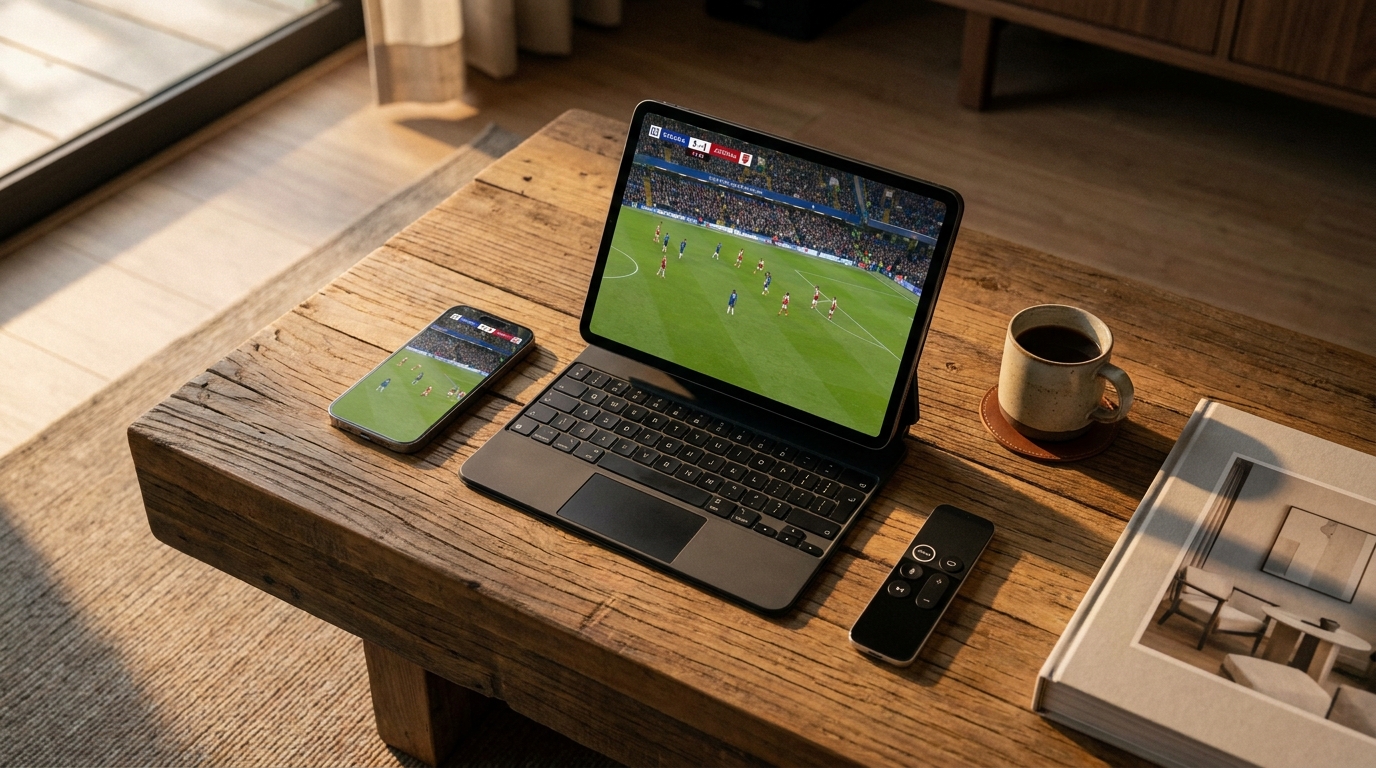
Unlock a World of Content with Talktomytv on iOS
Pairing a great iOS app with our service means you’re not just getting TV; you’re getting a complete entertainment ecosystem. Here’s a glimpse of what you unlock:
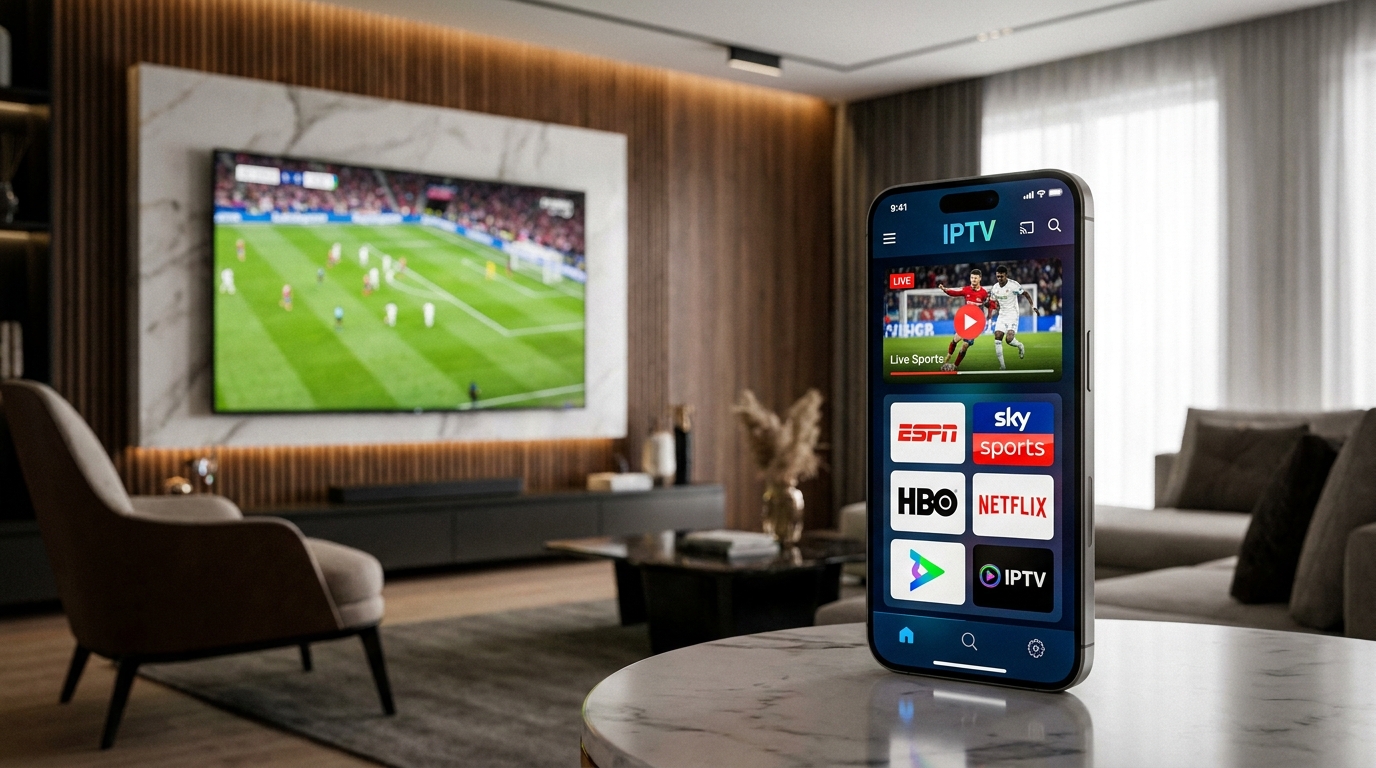
- Unrivalled Sports Access: Watch every Premier League game, catch all the action from the NFL, NBA, UFC, and F1, and never miss a moment from the Champions League. All in stunning HD and 4K.
- Premium Channel Bouquet: Gain access to premium channels you’d normally pay a fortune for, including Sky Sports, BeIN Sports, HBO, Showtime, and ESPN.
- Complete VOD Universe: Why pay for multiple streaming services? Our subscription includes the full catalogues of Netflix, Prime Video, and Disney+, updated weekly with new releases.
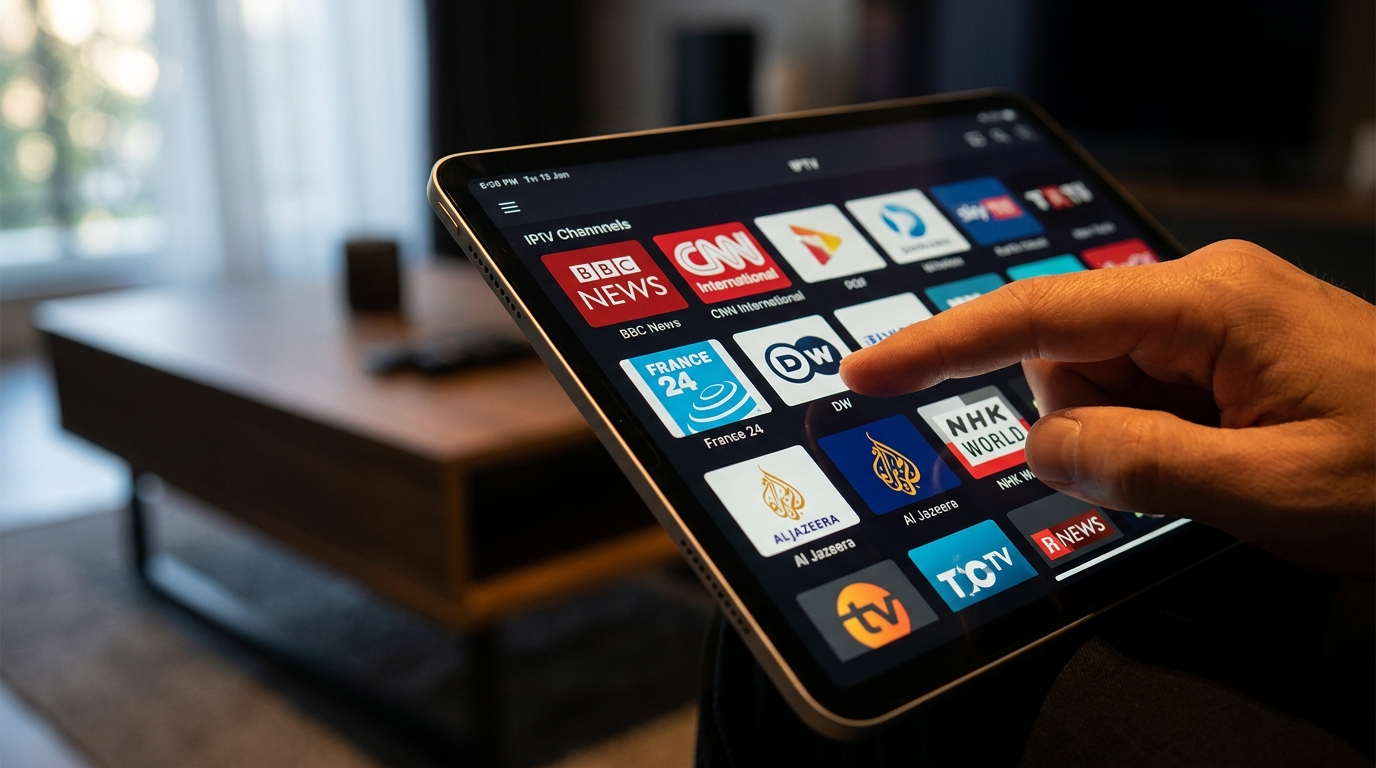
- Global Entertainment: Explore live TV from over 50 countries. Whether you want UK mainstays like BBC and ITV or international news from CNN and Al Jazeera, it’s all here.
Interpreting App Store Ratings and Reviews
When browsing for the best IPTV app for iOS on the App Store, you’ll see ratings and user reviews. It’s important to interpret these correctly. Many negative reviews for IPTV players are from users who have paired the app with a cheap, unreliable IPTV provider. They blame the app for buffering, missing channels, or login issues that are actually the fault of their service.
Look for reviews that comment on the app’s functionality: its speed, layout, and feature set. Ignore complaints about content, as this is determined by the provider. An app with a 4.5-star rating and positive comments about its EPG and user interface is a strong candidate to use with a reliable service like Talktomytv.
Conclusion: Your Perfect iOS Streaming Setup Awaits
In the quest for the ultimate streaming setup on your Apple devices, the focus should be on a powerful combination: a user-friendly player and a world-class IPTV service. While there are many excellent players on the App Store, they are empty shells without a premium content provider. By choosing a top-rated player and pairing it with a robust, feature-rich subscription from Talktomytv, you create the definitive entertainment experience. Don’t settle for buffering and limited options. Find the best IPTV app for iOS for your needs and power it with our unbeatable service. to explore our planss and start your 24-hour free trial today!
References
Choose Your Talktomytv Plan
All plans include instant activation, 24/7 support, and a money-back guarantee.
Frequently Asked Questions
What is the best IPTV app for iOS devices like iPhone and iPad?
The best app is one that is user-friendly, supports M3U links and EPG, and offers stable performance. Players like IPTV Smarters Pro or GSE Smart IPTV are popular choices that work perfectly with a premium subscription from Talktomytv, giving you access to our full library.
Are IPTV apps legal to use on iOS in the UK?
Yes, IPTV player apps themselves are perfectly legal and available on the App Store. The legality depends on the source of the content. Using a verified and reputable provider like Talktomytv ensures you are accessing a legitimate and high-quality service.
How do I set up the best IPTV app for iOS?
Setup is simple. First, download a compatible IPTV player from the App Store. Then, subscribe to a Talktomytv plan. We will email you your M3U link or Xtream Codes login details. Just enter these into the app to start watching immediately. For detailed instructions, visit our [LINK:tutorials] page.
Can I watch live sports on an IPTV app on my iPhone?
Absolutely! With Talktomytv, you can stream all major live sports events, including the Premier League, F1, and UFC, directly on your iOS device in stunning 4K and FHD quality. Our service turns your iPhone or iPad into a portable sports arena.
Do these iOS IPTV apps support catch-up TV?
While the app needs to support the feature, the provider must offer it. Talktomytv’s service includes a comprehensive 7-day catch-up feature, so you’ll never miss your favourite shows, even when watching on your preferred iOS app.