The Ultimate Guide to the Best IPTV Player for Apple TV (2026)
Finding the best IPTV player for Apple TV is the key to unlocking a universe of entertainment, transforming your sleek Apple device into an all-powerful streaming hub. With its powerful processor, intuitive tvOS interface, and stunning 4K HDR capabilities, the Apple TV is the perfect hardware. However, to truly harness its potential, you need a world-class IPTV service and a high-performance player to match. This guide will walk you through everything you need to know to create the ultimate viewing experience, powered by the UK’s premier IPTV provider, Talktomytv.
🎬 Ready to Stream with Talktomytv?
Premium IPTV with 24,000+ channels, 100,000+ movies, 4K quality. Instant activation.
Why Apple TV is the Ultimate Device for IPTV Streaming
Before we dive into the players, it’s worth understanding why the Apple TV stands out as a superior device for IPTV. It’s not just about the brand; it’s about the underlying technology that guarantees a smooth, high-quality streaming experience that cheaper devices simply can’t replicate.
Unmatched Performance with A-Series Chips
Apple TV devices are equipped with powerful A-series chips, the same family of processors found in iPhones and iPads. This raw power ensures that navigating menus is instantaneous, apps load in a flash, and even the most demanding 4K streams play without buffering or lag. When you’re browsing through thousands of channels and VOD titles from a service like Talktomytv, this performance is not just a luxury—it’s a necessity.
The Intuitive tvOS Ecosystem
The tvOS operating system is clean, user-friendly, and seamlessly integrated into the Apple ecosystem. The App Store is rigorously curated, meaning the IPTV players available are generally stable, secure, and well-designed. This focus on quality control provides peace of mind and a more polished user experience compared to other platforms.
Superior Audio and Video Quality
Apple TV supports 4K resolution, High Dynamic Range (HDR) formats like Dolby Vision, and immersive audio technologies like Dolby Atmos. When you pair this hardware with a premium IPTV subscription that offers 4K and FHD streams, like those included in our Premium plans, the result is a cinematic experience in your living room. From the roar of the crowd in a Premier League match to the stunning visuals of the latest blockbuster, every detail is rendered with breathtaking clarity.
What to Look for in the Best IPTV Player for Apple TV
Choosing the right player is crucial. While many options exist on the App Store, the best ones share several key features. When evaluating an IPTV player, ensure it meets the following criteria to get the most out of your Talktomytv subscription.
Key Features Checklist:
- User-Friendly Interface (UI): The player should be easy to navigate with the Siri Remote. Look for a clean layout, logical menu structure, and quick access to features like channel lists, EPG, and search.
- M3U and EPG Support: At a minimum, the player must support M3U playlist URLs and XMLTV (EPG) links. This is how you’ll load your Talktomytv channels and TV guide. Advanced players offer more streamlined login methods, but M3U is the universal standard.
- 4K and FHD Streaming Capability: Your player must be able to decode and play high-resolution video streams without compression or downscaling. This ensures you can enjoy the pristine 4K and FHD quality offered on our premium channels.
- Catch-Up and VOD Features: A top-tier player will seamlessly integrate Catch-Up TV and Video-on-Demand (VOD) libraries. This allows you to watch shows from the last 7 days and browse extensive movie and series catalogs directly within the player’s interface.
- Multi-Screen and Picture-in-Picture: For sports fans, the ability to watch multiple streams at once is a game-changer. Look for players that support multi-screen or picture-in-picture functionality.
- Customer Support and Regular Updates: Choose a player from a developer who provides regular updates to ensure compatibility with the latest tvOS versions and to add new features. Good support is a sign of a quality application.
A Review of Top IPTV Player Features for Apple TV
While we can’t recommend specific third-party apps, we can guide you through the types of players available on the tvOS App Store and the features that make them stand out. The best IPTV player for Apple TV for you will depend on your technical comfort level and desired features. No matter which you choose, they all come alive with a Talktomytv subscription.
🎁 Try Before You Buy — 24-Hour Free Trial
Test the full service with all 24,000+ channels. No commitment required.
Players with Advanced EPG and VOD Integration
These are the premium players that offer a user experience similar to traditional cable or satellite services. They parse your M3U and EPG data to create a visually rich and highly functional interface.
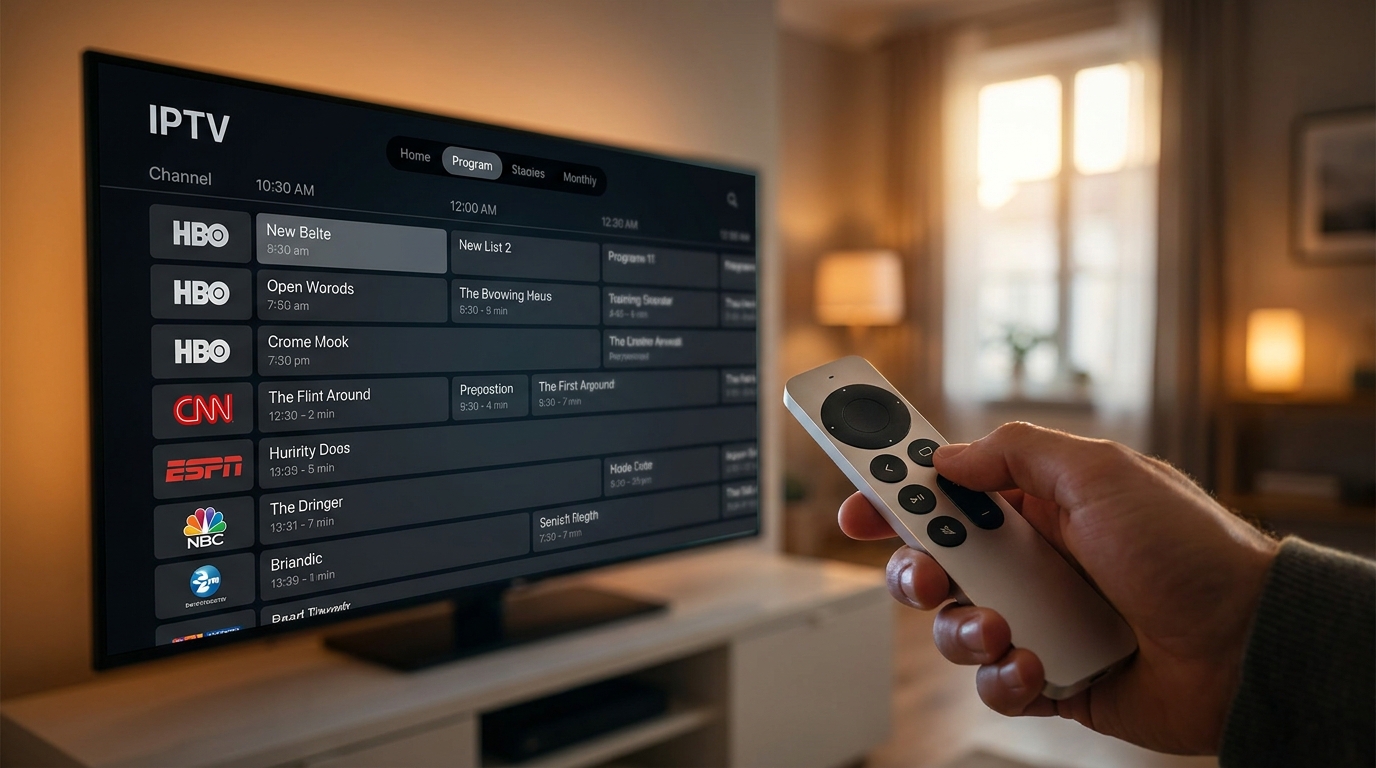
- Modern TV Guide: They present your EPG in a familiar grid format, making it easy to see what’s on now and what’s coming up.
- VOD Library Browsing: Instead of just a list of files, these players display your VOD content with posters, plot summaries, ratings, and cast information, just like Netflix or Prime Video. This is perfect for exploring the extensive catalogs included with Talktomytv.
- Global Search: This powerful feature allows you to search across all live channels, catch-up content, and VOD libraries simultaneously.
Simple, Lightweight M3U Players
These players are more utilitarian. They focus on one thing: playing your M3U playlist quickly and reliably. They may lack the polished interface of the more advanced options, but they are often free and very stable.
- Fast Channel Loading: With fewer bells and whistles, these apps can load channels and switch between them very quickly.
- Basic EPG Overlay: They typically support an EPG but may display it as a simple overlay on the current channel rather than a full grid guide.
- High Compatibility: Their simple nature means they are compatible with virtually any standard IPTV stream, making them a reliable choice.
The All-in-One Provider Solution
The ultimate experience often comes from a service that understands the hardware and software ecosystem. At Talktomytv, we ensure our service is optimized for the leading players on Apple TV. We provide clear, step-by-step tutorials to help you configure the best and most popular apps, removing any guesswork and getting you to the content you love faster.

Comparison: Generic Players vs. Players Powered by Talktomytv
The player app is only one part of the equation. The quality of the IPTV service providing the content is what truly defines your experience. Here’s how a generic or free playlist stacks up against the premium experience with Talktomytv.
| Feature | Generic/Free Service | Talktomytv Premium Service |
|---|---|---|
| Content Library | Limited, unreliable channels. Often missing premium sports and movie channels. | 20,000+ live channels, including all major sports (Premier League, F1) and premium networks (Sky, HBO). Full Netflix, Prime Video & Disney+ catalogs. |
| Stream Quality & Reliability | Mostly SD streams. Prone to buffering, freezing, and channels going offline permanently. | Stable 4K & FHD streams for every premium channel. 99.9% uptime with powerful, dedicated servers. |
| EPG & Catch-Up TV | EPG is often inaccurate, incomplete, or missing entirely. No Catch-Up feature. | Accurate, detailed EPG for all major regions. 7-day Catch-Up on thousands of channels so you never miss a show. |
| VOD Library | Small selection of old, low-quality movies and shows. | Over 100,000 movies and series, with new titles added every Friday. Includes the latest blockbusters and classic series. |
| Support | Non-existent. No one to help if you have issues. | 24/7 dedicated customer support via live chat and email to assist with setup and any other questions. |
How to Set Up IPTV on Your Apple TV with Talktomytv
Getting started is incredibly simple. You can be watching your favourite channels in glorious 4K in just a few minutes. Follow these easy steps:
Step 1: Choose Your Talktomytv Plan
Visit our pricing page and select the plan that’s right for you. We offer flexible options, from 1-month passes to our best-value 12-month subscription. For new users, we highly recommend starting with our 24-hour free trial to experience the full service risk-free. Once you sign up, you will receive an email with your M3U and EPG links.
Step 2: Download Your Chosen IPTV Player from the App Store
On your Apple TV, open the App Store. Search for “IPTV” and browse the available players. Choose one that meets the criteria we discussed earlier. Many excellent options are available, both free and paid.
Step 3: Configure the Player with Your Talktomytv Credentials
Open the player you just downloaded. It will ask you to add a playlist. Select the option to add a playlist from a URL or M3U link. Carefully enter the M3U and EPG links that were emailed to you by Talktomytv. Give your playlist a memorable name, like “Talktomytv”.
Step 4: Start Streaming!
Once you save your details, the player will begin loading the channels and TV guide. This may take a minute or two the first time. After it’s finished, you’ll have access to our entire library of content. Grab the remote, and start exploring thousands of channels, movies, and series!
Maximizing Your Streaming Experience: Pro Tips
To ensure you’re getting the absolute best performance, follow these simple tips.
Optimize Your Network for 4K Streaming
For buffer-free 4K streaming, a stable internet connection is essential. Whenever possible, connect your Apple TV directly to your router using an Ethernet cable instead of relying on Wi-Fi. If you must use Wi-Fi, ensure your router is in a central location and you’re using the 5GHz band for less interference.
Utilize Parental Controls
Many top-tier IPTV players include parental control features. If you have children in the house, you can set up a PIN to lock specific channel categories (e.g., adult content) to ensure a family-friendly viewing experience.
Explore International Content
One of the greatest benefits of a Talktomytv subscription is the vast array of international channels. You can watch news, sports, and entertainment from over 50 countries. Use your player’s channel grouping or search features to discover content from the UK, USA, Canada, and beyond.
Privacy and Security: Streaming Safely on Apple TV
A common concern for new IPTV users is privacy. The tvOS App Store provides a layer of security, as apps are vetted by Apple. However, the most critical factor for your privacy is your choice of IPTV provider. Reputable providers like Talktomytv use secure servers and do not track or sell user viewing data. We believe your viewing habits are your business alone. While a VPN is not strictly necessary for our service, some users prefer to use one for an added layer of privacy, and our service is fully compatible with all major VPN providers.
Conclusion: The Perfect Player Needs a Perfect Service
Ultimately, the quest for the best IPTV player for Apple TV leads to a simple truth: the app is a gateway, but the service is the destination. A great player can make your experience smoother and more enjoyable, but it cannot improve the quality, reliability, or selection of the content itself. By combining the power and elegance of your Apple TV with a feature-rich player and a premium, reliable IPTV subscription from Talktomytv, you create an entertainment setup that is second to none. Stop settling for buffering, low quality, and limited options. Experience the difference today. Sign up for Talktomytv now and elevate your Apple TV experience to the next level!
References
Choose Your Talktomytv Plan
All plans include instant activation, 24/7 support, and a money-back guarantee.
Frequently Asked Questions
What is the absolute best IPTV player for Apple TV?
The ‘best’ player often comes down to personal preference. Some users prefer players with a rich, visual interface for browsing VOD, while others prefer simple, fast players for live TV. The key is that any top-rated player from the tvOS App Store will perform exceptionally well when powered by a high-quality subscription from Talktomytv, which provides the stable streams and detailed EPG data these apps need to shine.
Can I watch live sports like the Premier League on Apple TV using an IPTV player?
Absolutely. With a Talktomytv subscription, you can watch every Premier League match, plus Champions League, F1, UFC, NFL, and more, all in stunning 4K or FHD. Simply load our service into your chosen IPTV player on your Apple TV and you’ll have access to comprehensive live sports coverage from around the world.
Is it legal to use an IPTV player on Apple TV in the UK?
Using an IPTV player application itself is completely legal, as they are legitimate software available on the Apple App Store. The legality depends on the service providing the content. It is important to subscribe to a reputable provider. Talktomytv is a trusted service focused on providing a premium, reliable viewing experience for our customers.
How do I get an M3U playlist for my Apple TV IPTV player?
An M3U playlist is your unique link to the IPTV service’s content. When you subscribe to any Talktomytv plan, including our free trial, we instantly email you a unique M3U link along with your EPG (TV Guide) link. You simply copy and paste these links into your player to start watching.
Do I need a VPN to use the best IPTV player for Apple TV?
While a VPN is not required to use the Talktomytv service, many customers choose to use one for general online privacy. Our service is fully compatible with all major VPN providers. A VPN can sometimes help bypass ISP throttling, which may improve streaming performance in certain situations.