Ultimate Guide: How to Install IPTV Smarters Pro on Firestick (2024)
Learning how to install IPTV Smarters Pro on Firestick is your gateway to unlocking a universe of entertainment, transforming your standard television into a powerhouse of content. The Amazon Firestick is an incredible device, but its true potential is only realised when paired with a powerful application and a premium content provider. While IPTV Smarters Pro provides the sophisticated interface, it’s a high-quality service like Talktomytv that fills it with the live sports, premium channels, and blockbuster movies you crave. This guide will walk you through every step of the process, from initial setup to logging in with your Talktomytv credentials for an unparalleled viewing experience.
We will cover the entire process in detail, ensuring that even beginners can follow along. By the end of this comprehensive tutorial, you’ll have a fully functional IPTV setup, ready to stream everything from the Premier League to the latest HBO series directly on your Fire TV device.
🎬 Ready to Stream with Talktomytv?
Premium IPTV with 24,000+ channels, 100,000+ movies, 4K quality. Instant activation.
What is IPTV Smarters Pro and Why Use It on Your Firestick?
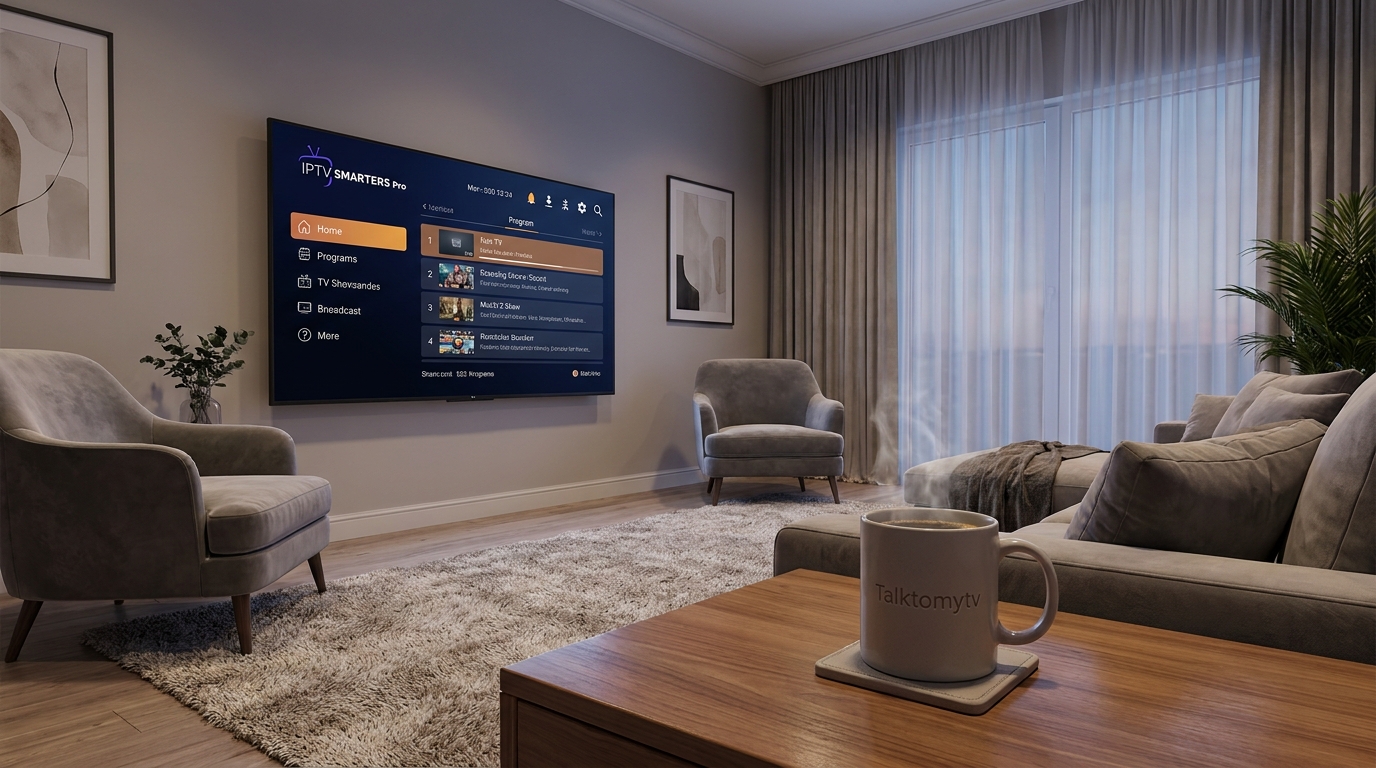
Before we dive into the installation, it’s crucial to understand what IPTV Smarters Pro is—and what it isn’t. IPTV Smarters Pro is an IPTV player application. It does not provide any content itself. Think of it as an advanced, feature-rich media player, like VLC or Windows Media Player, but designed specifically for IPTV services. Its job is to organize and present the channels, movies, and series delivered by an IPTV provider in a clean, user-friendly interface.
The reason it’s a favourite among Firestick users is due to its robust feature set, which elevates the streaming experience far beyond basic players.
Key Features of IPTV Smarters Pro:
- Professional User Interface: The layout is intuitive and visually appealing, making it easy to navigate through thousands of options.
- EPG (Electronic Program Guide): It supports a full TV guide, allowing you to see what’s on now and what’s coming up next, just like a traditional cable box.
- Multi-Screen Functionality: Watch up to four different channels on a single screen—perfect for sports fans who don’t want to miss a moment of the action.
- VOD and Series Support: It neatly separates Live TV, Video-on-Demand (movies), and TV Series into their own sections, complete with artwork and descriptions.
- Catch-Up TV: With a provider like Talktomytv that supports it, you can watch programs you missed from the last seven days.
- Parental Controls: Manage what your children can access by setting up a password for specific content categories.
- Cross-Device Compatibility: While we’re focusing on Firestick, IPTV Smarters Pro works on Android TV, smartphones, and tablets.
Using IPTV Smarters Pro on your Firestick provides a seamless, premium feel that makes navigating the vast content library offered by Talktomytv an absolute pleasure.
Why a Premium Provider Like Talktomytv is Essential
As mentioned, IPTV Smarters Pro is an empty shell. To bring it to life, you need an IPTV subscription that provides the actual streams. This is where the quality of your provider becomes the single most important factor in your viewing experience. While free or suspiciously cheap services exist, they are plagued by buffering, low-quality streams, and channels that disappear without warning. A premium provider is an investment in reliability and quality.
Talktomytv is built to deliver a flawless streaming experience, ensuring that when you sit down to watch your favourite team or a new movie, it just works. Here’s how a premium service compares to the rest:
Talktomytv vs. Generic IPTV Services
| Feature | Talktomytv | Generic / Free Services |
|---|---|---|
| Stream Quality & Stability | Guaranteed 4K & FHD streams with 99.9% uptime and anti-freezing technology. | Unreliable SD/HD streams, constant buffering, and channels often offline. |
| Content Library | 20,000+ channels, full Netflix/Prime/Disney+ catalogs, 24/7 PPV, and weekly updates. | Limited, outdated selection of channels and VOD with no guaranteed updates. |
| Live Sports Coverage | Comprehensive access to Premier League, F1, UFC, NFL, NBA, and more. | Sporadic coverage, often with low-quality, delayed, or foreign language streams. |
| Customer Support | 24/7 dedicated customer support via live chat and email to resolve any issues. | Non-existent or unresponsive support, leaving you stranded with problems. |
| Device Compatibility | Full support and tutorials for all major devices, including Firestick. | Minimal to no support; you’re on your own to figure out setup. |
| Security & Privacy | Secure connections and a commitment to user privacy. | Potential security risks and logging of user activity. |
Choosing Talktomytv means you’re not just getting channels; you’re getting a reliable, high-performance service designed to work perfectly with applications like IPTV Smarters Pro on your Firestick.
The Complete Guide: How to Install IPTV Smarters Pro on Firestick
Now, let’s get to the main event. Because IPTV Smarters Pro is not available on the official Amazon App Store, we need to “sideload” it onto the device. This process is safe, simple, and only takes a few minutes. Follow these steps precisely.
🎁 Try Before You Buy — 24-Hour Free Trial
Test the full service with all 24,000+ channels. No commitment required.
Step 1: Enable Apps from Unknown Sources
Your Firestick has a security setting that prevents the installation of apps from outside the Amazon App Store. We need to enable this first.
- From the Firestick home screen, navigate to the Settings cog icon on the far right.
- Select My Fire TV.
- Choose Developer Options. (If you don’t see Developer Options, click on ‘About’, then click on your ‘Fire TV Stick’ name about 7 times until you see a message saying “You are now a developer.”)
- Select Install unknown apps.
- Find Downloader in the list and turn its status to ON. If you haven’t installed Downloader yet, don’t worry, we’ll do that in the next step. Just remember to come back here and turn this setting on.
Step 2: Install the Downloader App
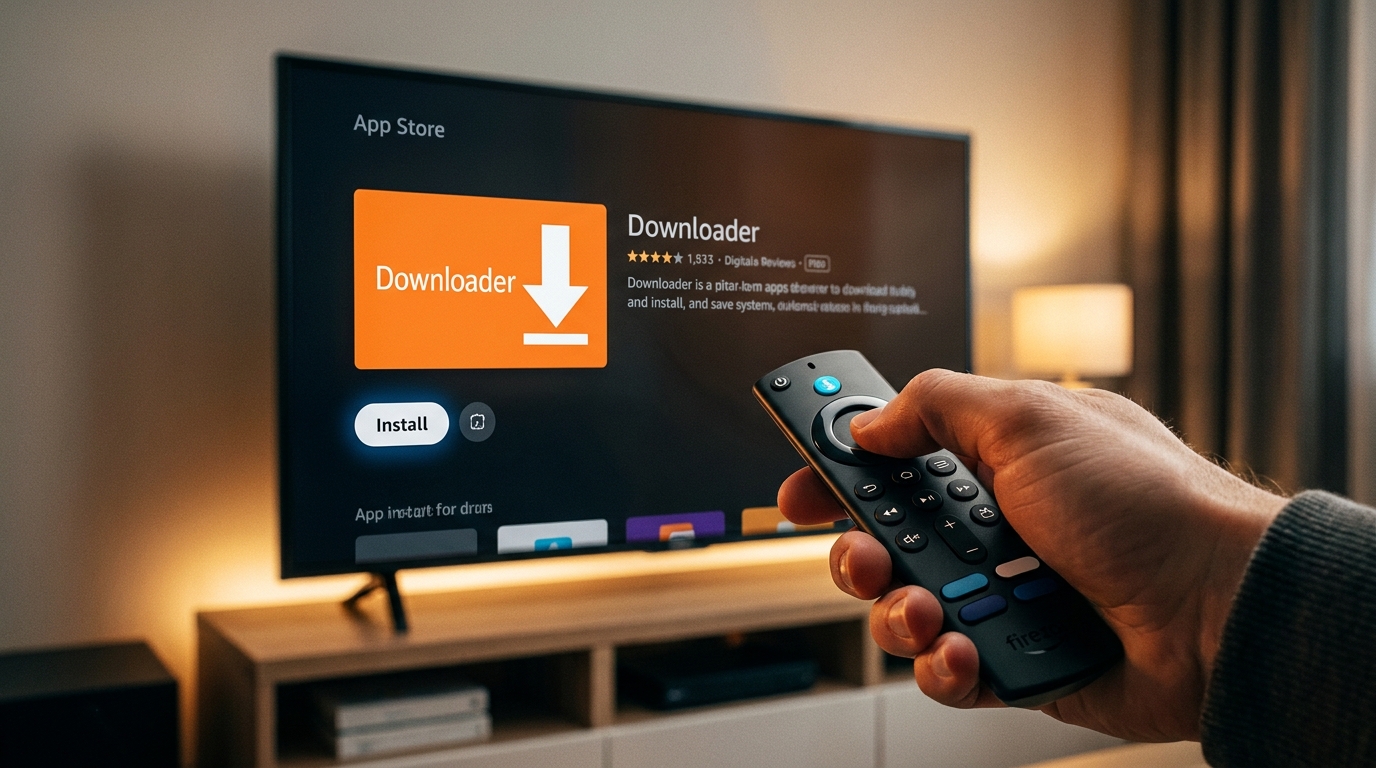
The Downloader app is the key to sideloading any application onto your Firestick. It’s a free utility on the Amazon App Store that includes a basic web browser.
- Return to the Firestick home screen.
- Navigate to Find and then select the Search icon.
- Start typing “Downloader” and select it when it appears in the list.
- Click on the orange Downloader app icon.
- Press the Download or Get button to install it on your device.
Step 3: Download and Install IPTV Smarters Pro via Downloader
Now we will use the Downloader app to get the IPTV Smarters Pro installation file (known as an APK).
- Open the Downloader app. You may see a welcome prompt; click Allow to grant it the necessary permissions.
- In the main screen, you’ll see a URL entry box. Click on it to bring up the keyboard.
- Carefully type the following URL for the official IPTV Smarters Pro APK and press Go: bit.ly/smarterspro4 (This is a widely used and trusted short link for the official file).
- The file will begin to download. You can see the progress on the screen.
- Once the download is complete, the installation screen will automatically appear. Click Install.
- When the installation is finished, you’ll see an “App Installed” notification. Don’t click Open yet. Click Done.
Step 4: Delete the APK File (Recommended)
You’ll be taken back to Downloader, which will show a pop-up with three options. The APK file we just downloaded is no longer needed and is just taking up valuable space on your Firestick.
- In the pop-up, select the Delete button.
- Confirm by clicking Delete again.
That’s it! You have successfully completed the process of how to install IPTV Smarters Pro on Firestick. The app is now located in your Apps & Channels section.
Setting Up IPTV Smarters Pro with Your Talktomytv Subscription
Now that the player is installed, it’s time to connect it to your Talktomytv subscription. When you purchase a plan, you will receive a welcome email containing your login credentials. Keep this email handy.
- Go to your Firestick’s Apps & Channels section (hold the Home button on your remote and select ‘Apps’).
- Find the IPTV Smarters Pro icon and open it.
- On the first launch, you will need to accept the Terms of Use.
- You will then be presented with a choice to ‘Add User’. Click on it.
- Select the option Login with Xtream Codes API. This is the easiest and most effective method.
Using the Xtream Codes API (Recommended)
You will see four fields to fill in. All of this information is provided in your welcome email from Talktomytv.
- Any Name: This can be anything you like. We recommend naming it “Talktomytv”.
- Username: Enter the username provided in your email.
- Password: Enter the password provided in your email.
- URL: Enter the server/portal URL exactly as it appears in your email.
Double-check that you have entered everything correctly, as even a small typo will cause a login error. Once you’re sure, click Add User. The app will begin downloading the channels, VOD, and EPG data. This may take a minute or two. Once complete, you’ll be taken to the main dashboard, ready to explore the incredible world of content provided by Talktomytv.
Troubleshooting Common Installation & Streaming Issues
Even with a straightforward process, you might occasionally run into a snag. Here are solutions to some of the most common issues users face after they install IPTV Smarters Pro on Firestick.
Login Error or Invalid Credentials
This is almost always due to a typo. Carefully re-enter your username, password, and the portal URL from your Talktomytv email. Pay close attention to capitalization and make sure there are no extra spaces. If you’re still having trouble, contact our 24/7 support team for assistance.
Constant Buffering or Freezing
While Talktomytv uses powerful anti-freezing technology, buffering can sometimes be caused by your local network.
- Check Internet Speed: Run a speed test on your Firestick. You need at least 25 Mbps for stable HD/FHD streaming and 50+ Mbps for 4K.
- Reboot Your Setup: Restart your Firestick, router, and modem. This simple step resolves a surprising number of issues.
- Use an Ethernet Adapter: A wired connection is always more stable than Wi-Fi. Consider a Firestick Ethernet adapter for the best performance.
App is Crashing or Not Loading
If the IPTV Smarters Pro app itself is unstable, try clearing the cache.
- Go to Firestick Settings > Applications > Manage Installed Applications.
- Find and select IPTV Smarters Pro.
- Click Force Stop and then click Clear Cache.
- Relaunch the app. If the problem persists, you may need to uninstall and reinstall it.
For any other issues, our extensive andd pages have more detailedd guides, or you can reach out to our support team who are always ready to help.
Conclusion: Your Ultimate Entertainment Hub Awaits
Congratulations! You now have a complete understanding of not just the technical steps, but also the essential components needed for a superior streaming setup. By following this guide, you know exactly how to install IPTV Smarters Pro on Firestick and pair it with a premium service for a world-class experience. The combination of the Firestick’s convenience, IPTV Smarters Pro’s powerful interface, and Talktomytv’s vast and reliable content library creates the ultimate home entertainment system. Don’t settle for buffering, low quality, and missing channels. Power your player with the best. Sign up for a Talktomytv plan today and unlock thousands of live channels, movies, series, and live sports in stunning 4K quality!
References
Choose Your Talktomytv Plan
All plans include instant activation, 24/7 support, and a money-back guarantee.
Frequently Asked Questions
Is it legal to install and use IPTV Smarters Pro on a Firestick?
Yes, the IPTV Smarters Pro application itself is completely legal to install and use. It is simply a media player. The legality of your IPTV setup depends entirely on the source of your content. Using a reputable and responsible provider like Talktomytv ensures you are accessing a reliable service.
Why do I need a provider after I learn how to install IPTV Smarters Pro on Firestick?
IPTV Smarters Pro is an empty application. It contains no channels, movies, or shows. You need a subscription from an IPTV provider like Talktomytv to supply the content streams that the app will play. We provide the username, password, and server URL needed to activate the app.
Can I use my Talktomytv subscription on devices other than a Firestick?
Absolutely! One of the great benefits of a Talktomytv subscription is its versatility. You can use our service on a wide range of devices, including Android TV boxes, smartphones (iOS & Android), smart TVs, MAG boxes, and computers. Your single subscription can be used on multiple devices, though typically one at a time unless you have a multi-connection plan.
What’s the difference between IPTV Smarters Pro and the ‘Lite’ version?
IPTV Smarters Pro includes several advanced features not found in the Lite version. These premium features include a multi-screen option (to watch up to four channels at once), an integrated picture-in-picture viewer, and more advanced customization settings, making it the preferred choice for power users.
Does Talktomytv offer a trial to test the service after I install IPTV Smarters Pro?
Yes, we are confident in the quality of our service and offer a 24-hour [LINK:free trial] for a very small activation fee. This allows you to test our full range of channels and features on your Firestick to see the premium difference for yourself before committing to a full plan.